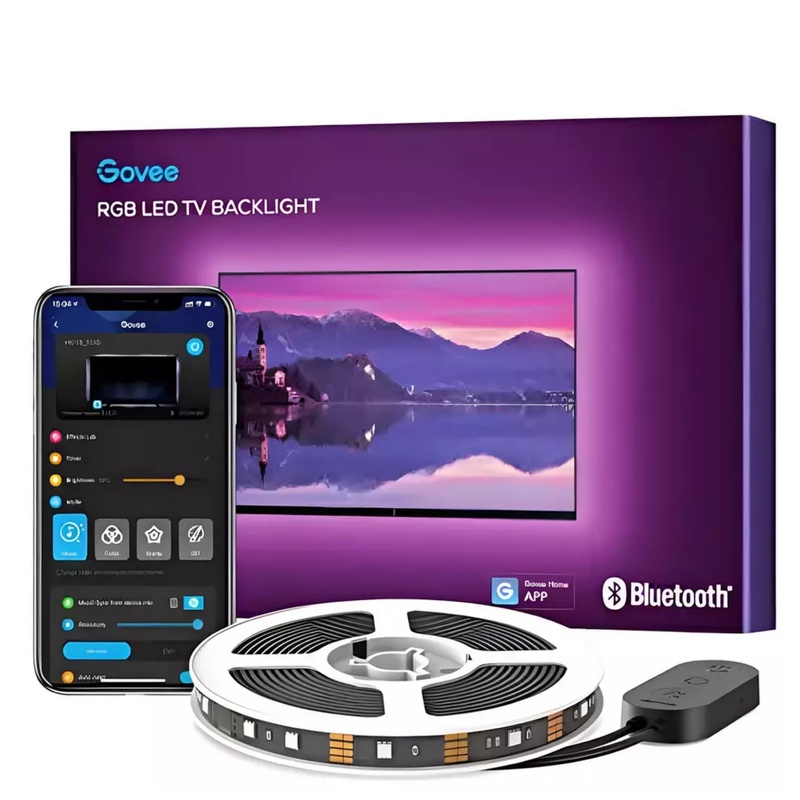


16M Colours, 64+ Scenes, DIY Modes, USB Power, And Mic-Synced Effects For 46–60 Inch TVs
R499.00
Customize
Model Number:
H6178 Purchase Channel Takealot
https://www.takealot.com/govee-tv-led-backlight-3m-46-60inch-tvs-rgbic-strip-app-music-sy/PLID98941660 Purchase Channel LeRoyMerlin
https://leroymerlin.co.za/govee-tv-led-backlight-3m-rgbic-strip-with-app-music-sync-26d601df Warranty Period:
12 months Product Details
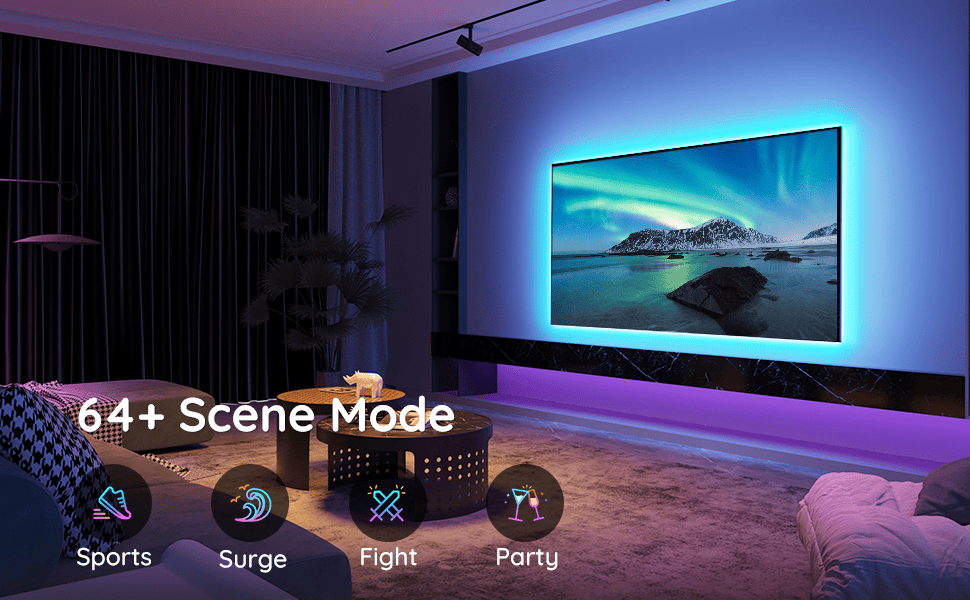
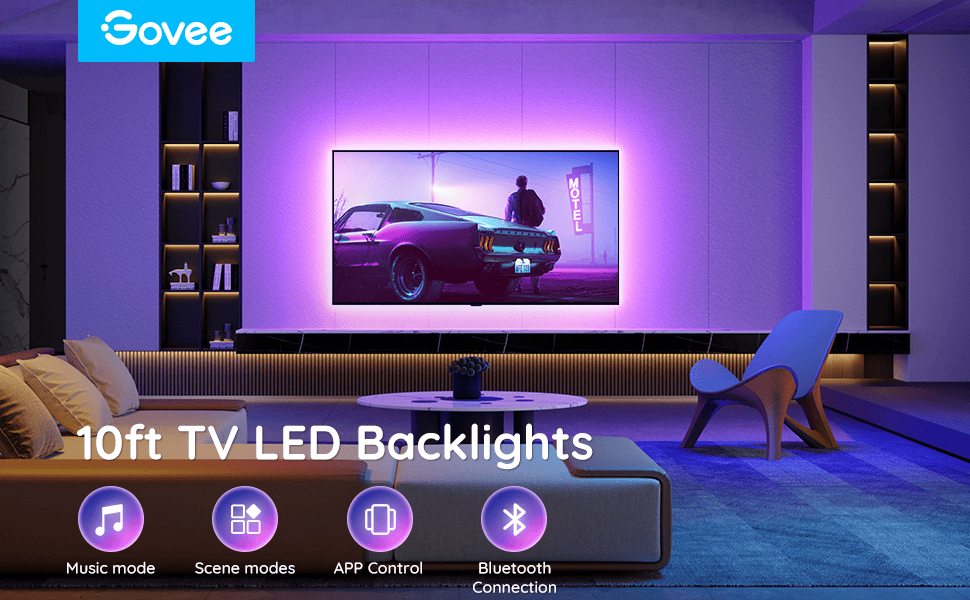
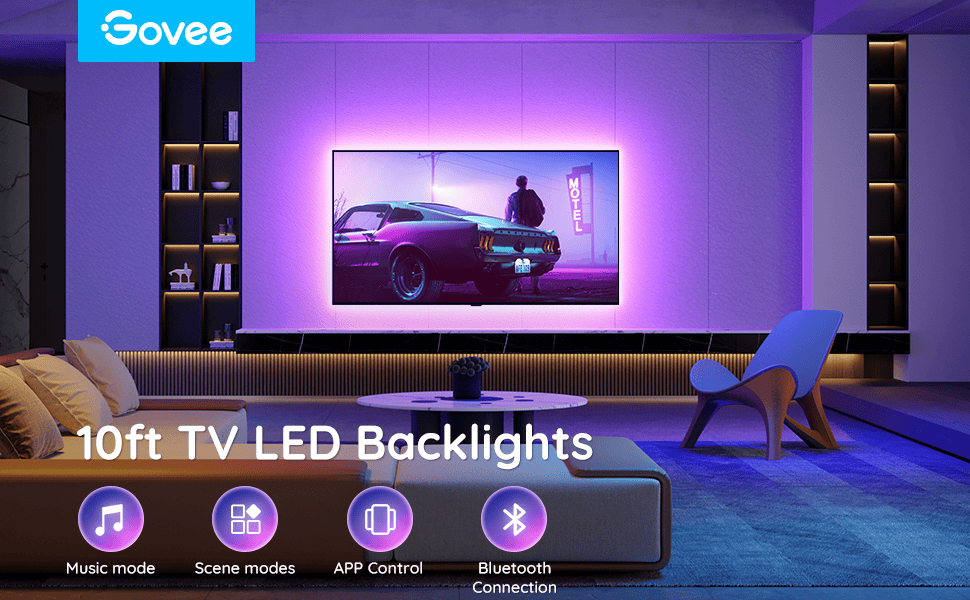
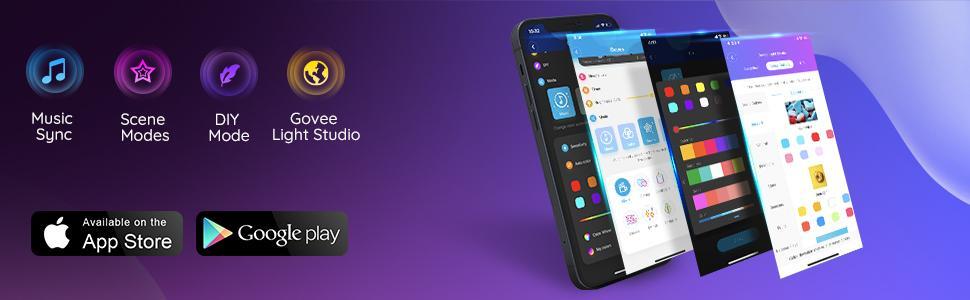
Using the Govee Home App or control box, you can access over 16 million colours and more than 64 scene modes.
Choose from preset scenes or create your own custom colour combinations in DIY mode.
The built-in microphone in the control box captures music rhythms with greater accuracy for immersive lighting effects.
FEATURES & BENEFITS
3 Metres Total Length:
The Govee TV LED Backlight includes four sections (2 × 1 metre + 2 × 0.5 metre), suitable for most 46–60 inch TVs and large desktop monitors.
Enjoy vivid lighting with over 16 million colours and a wide range of effects.
App Control:
Use the Govee Home App to adjust brightness, change colours, and activate music mode.
Bluetooth connectivity ensures quick and easy control from your smartphone.
64+ Scene Modes:
Choose from more than 64 preset lighting scenes or personalise your own in DIY mode.
Explore a vast palette of 16 million colours to enhance your viewing experience.
Music Mode:
The integrated microphone in the control box detects music rhythms and syncs lighting accordingly, creating an immersive audiovisual atmosphere.
Easy Installation:
Attach the LED light strip to a clean surface using strong 3M adhesive.
Powered via USB, the lights automatically activate when the TV is switched on.
SPECIFICATIONS:
Model: H6178
Input: 110-240V USB 5V/2A power source (adapter is not included)
Connection: Bluetooth
Control Method: App, Control Box
Light Color: RGB
Length: 2 X 50cm + 2 X 100cm/ 2 X 1.64ft + 2 X 3.28ft
Light flow is 150 lm/m
Total luminous flux of 450 lumens
Power consumption 10W
Water Resistance: NO
Ratings And Reviews