







CategoriesSmart LightingStrip Lights Govee RGBIC Interior Car Lights (30 Scene Mode + 4 Music Mode)--Without Remote Control


Govee RGBIC Interior Car Lights (30 Scene Mode + 4 Music Mode)--Without Remote Control
Govee RGBIC Interior Car Lights (30 Scene Mode + 4 Music Mode)
R899.00
Customize
model_number
H7090 Share :
Product Details
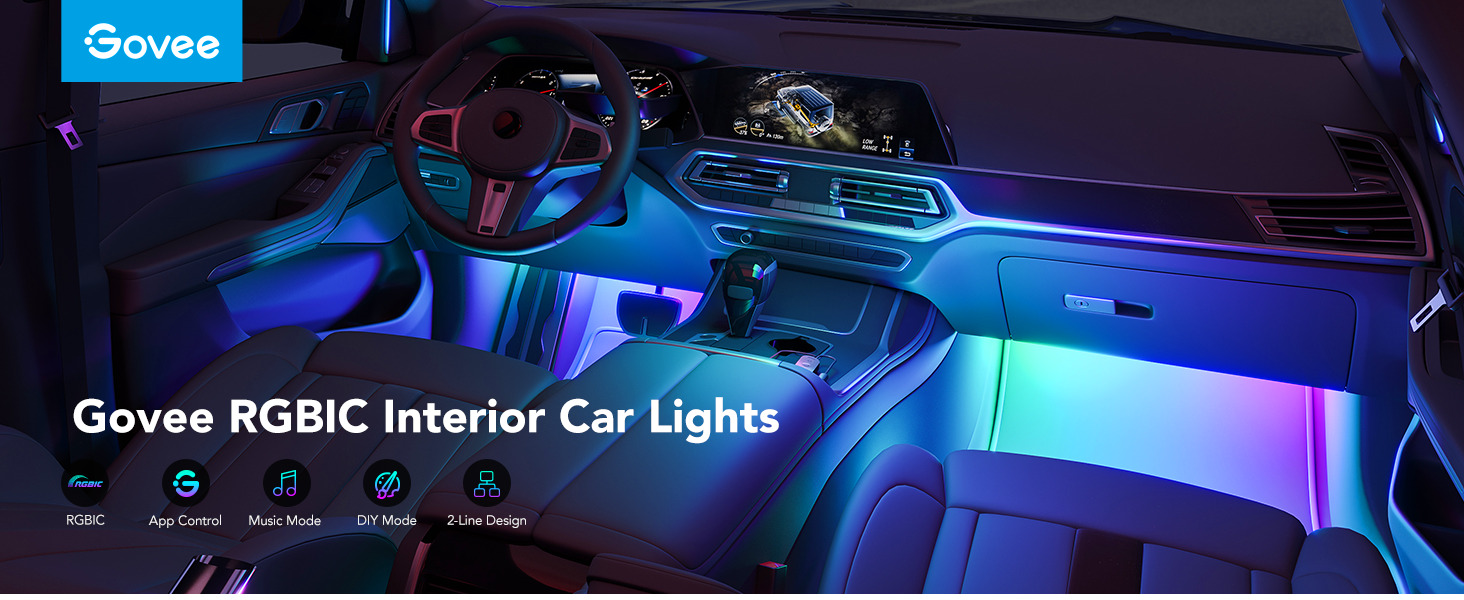
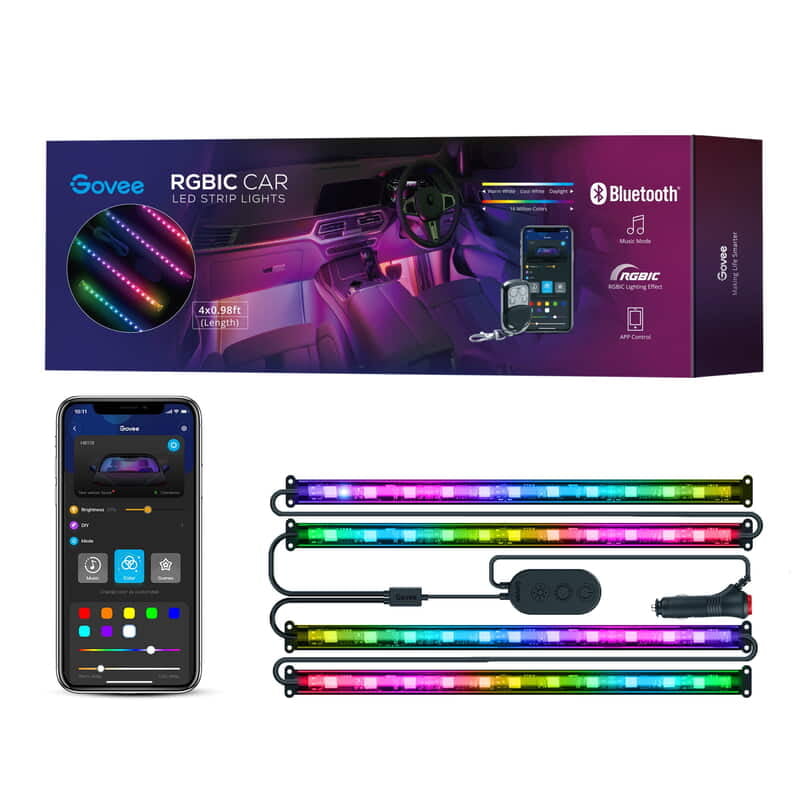
Govee Smart Car LED Strip Lights bring vibrant, customizable lighting to your vehicle interior. With RGBIC technology, music sync, and smart app control, these lights transform your driving experience with dynamic effects and endless personalization.


FEATURES AND BENEFITS
Rainbow Lighting Effects:
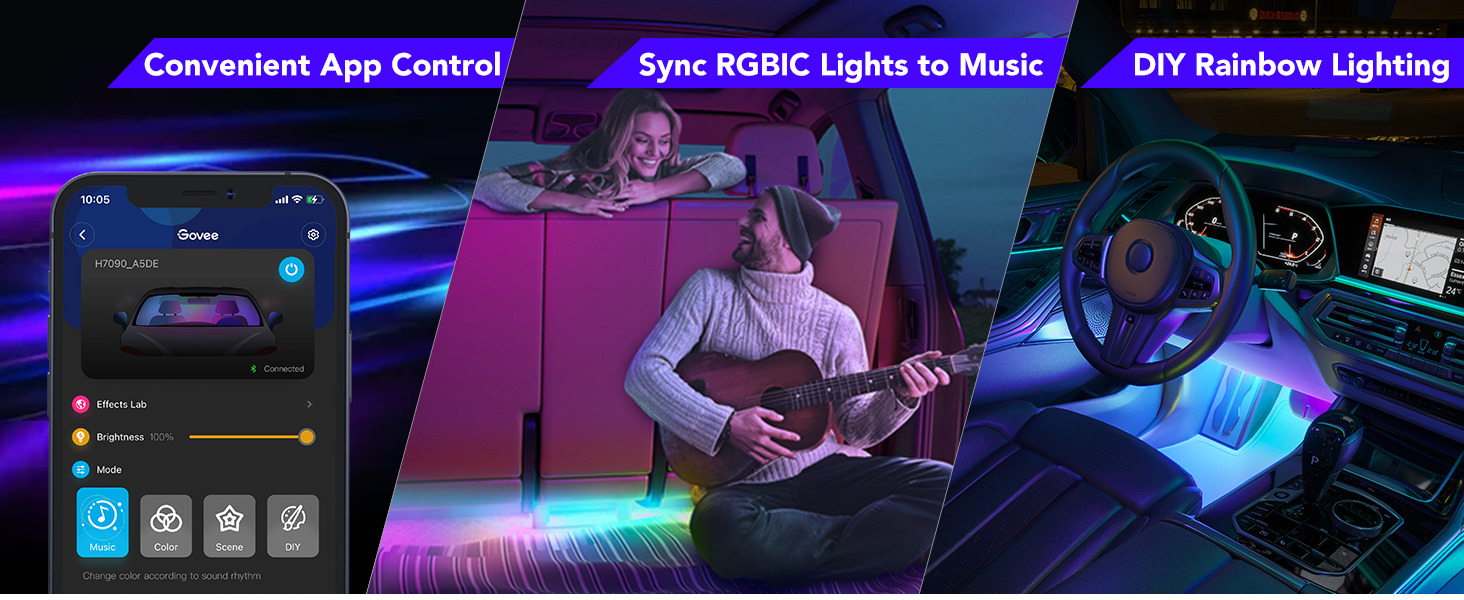
Govee car lights with RGBIC segmented color control allows for multi-color LED lights for car displays, showing more than one color at a time, bringing a new level of personalized lighting decorations to your car.
4 Music Modes:
Get the party started with dynamic music modes that use the built-in mic to sync lighting effects to the beat.
Liven up your road trips or evening commute with LED lights for cars that dance energetically to your favorite songs.
30 Scene Modes:
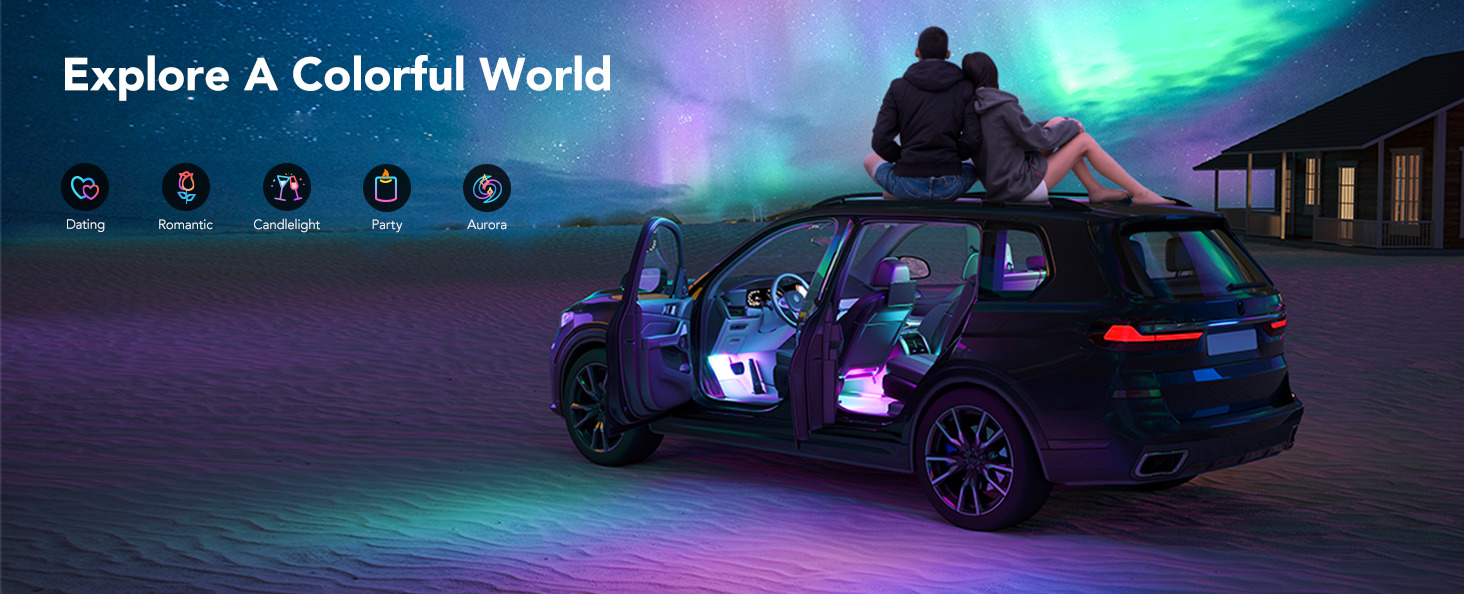
With an array of preset scene modes, Govee Christmas lights help you always drive in lighting that fits your style or mood.
Discover scenes based on nature, holidays, and emotions, to keep your car's interior fresh, and vibrant.
DIY Mode:
Make your own dynamic car LED light effects in Govee Home App and even share them with the community.
Customize Govee interior lights for cars using 16 million colors, adjustable speeds, and brightness. True personalization for all ages.
Smart App Control:
Choose vivid colors, set different car lights' outdoor effects, adjust brightness, power on/off, and explore amazing community features including applying other users' customized effects to your car accessories with one tap.
SPECIFICATIONS:
Model: H7090
Power Supply: Car Cigarette Lighter
Voltage: 12V
Light Color: RGBIC
Length: 4*30cm
Connection: Bluetooth
Control Method: App, Control Box
ABOUT GOVEE:
Govee is a global leading smart home brand with 12M+ App registered users since 2017, pursuing personalized and fun life experiences through continuous innovations, especially in ambient lighting, home appliance products, and smart IoT systems.
We design it. We produce it. We make life smarter.
INSTRUCTIONS:
Safety Instructions
Read and follow all the safety instructions:
Be cautious of static electricity during installation and usage. Keep the product away from sharp objects or strong corrosive chemicals.
When bending the strip lights during installation, avoid folding the LED components as it may affect the product's life span.
Remove nails, metal, or other conductive objects from the installation surface before attaching the strip light, as it may cause short-circuiting.
Do not install the strip lights near any heat sources.
Do not allow children to install the strip lights alone.
Installing Your Device
Before You Install
1. Unpack the box and check all items listed in the packing list.
2. Power on the strip light and check whether it lights up.
Installing Steps
1. Wipe the surface to keep it clean and dry.
2. Install the cigarette lighter and control box in the central console.
3. Peel off the protective film and stick the strip lights as indicated in the picture.
4 Firmly press the strip from end to end and reinforce ends of the strip with zip ties and screws.
5. Insert the cigarette lighter into the outlet and press the button on it. The button will light on, indicating the strip light is powered on.
Pairing Your Device with the Govee Home App
What You Need
A smartphone or tablet running iOS 8.0 (or above) or Android 4.3 (or above).
Pairing Instructions
1. Download the Govee Home app from the App Store (iOS
devices) or Google Play (Android devices).
2. Turn on Bluetooth on your smartphone.
3. Open the app, tap the "+" icon in the top right corner and search for "H7090"
4. Tap the device icon and follow the on-screen instructions to complete pairing.
Troubleshooting
1. The adhesive tape is not strong enough.
• Make sure the installation surface is clean and dry.
• Firmly press over the strip after sticking.
• Reinforce the installation with more clips and tape.
2. Cannot connect to Bluetooth.
• Do not skip Bluetooth connection in the app.
• Ensure Bluetooth on your smartphone has been turned on.
• Your smartphone may be incompatible with the Govee
Home app. Try using a different smartphone then reconnect.
• Power the strip lights and your smartphone Bluetooth off then on, then try again.
• Ensure that your smartphone is within 1m/3.28ft of the strip lights when connecting.
• Clear any obstructions that are between the strip lights and your smartphone.
3. The strip lights does not display the full selected color/Some LED beads do not light up.
• Please contact the Govee support team for rapid product replacement.
4. Cannot sync the strip lights to the beat of my music.
• Move the control box closer to the music source.
• Clean the mic on the control box then try again.
5. The LED strip doesn't turn on.
• Please make sure the cigarette lighter is well connected with power plug.
• There is a button on the cigarette lighter. Please make sure it is pressed and turns red. It is indicated that the strip lights are powered.
What's in the box
4 x LED Strip Lights
1 x Car Cigarette Lighter Charging Cable With Integrated Control Box
1 x User Manual
1 x Service Card


Ratings And Reviews