







CategoriesSmart LightingTable & Floor Lamps Govee Floor Lamp Pro RGBICWW Smart Floor Lamp with Speaker - 1.7m - Black


Govee Floor Lamp Pro RGBICWW Smart Floor Lamp with Speaker - 1.7m - Black
R4,499.00
Customize
model_number
H6079 Share :
Product Details
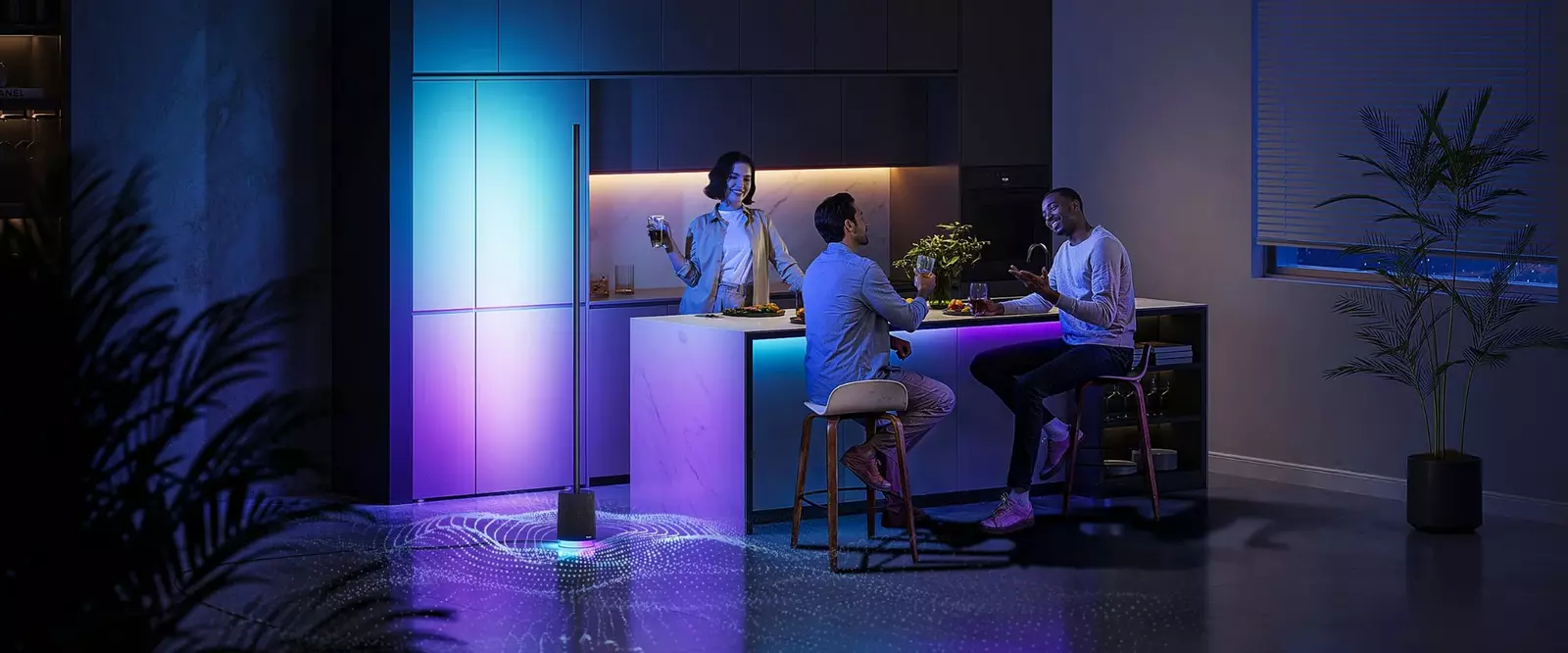
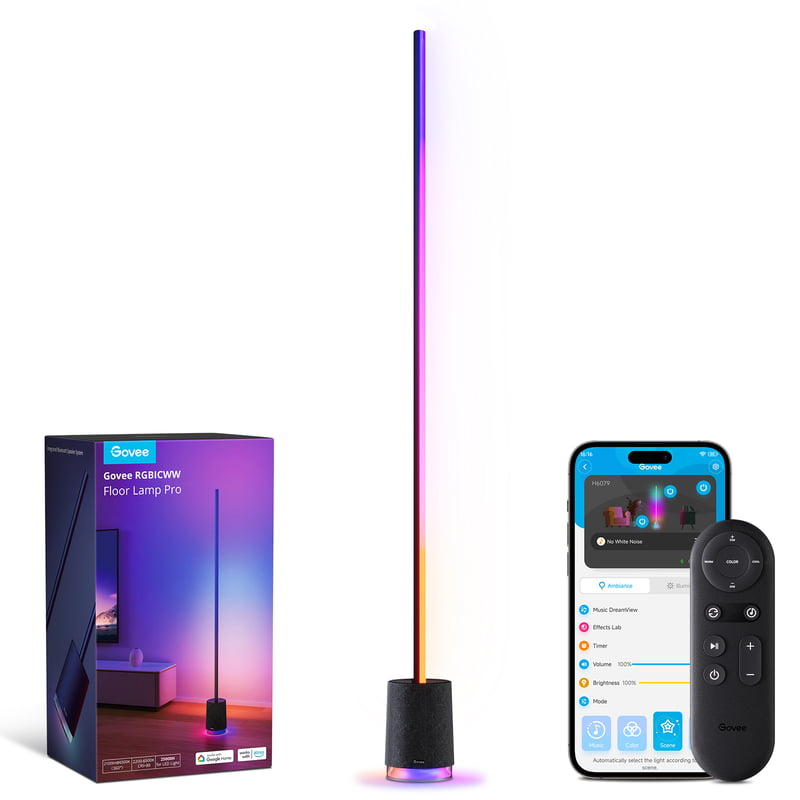
Experience the ultimate ambiance with the Govee RGBICWW Floor Lamp Pro.
Illuminate your space with high brightness and sync the sound and lighting effects for an immersive experience. Elevate your environment with ease and sophistication.
FEATURES & BENEFITS:
Benchmark Lighting Experience:
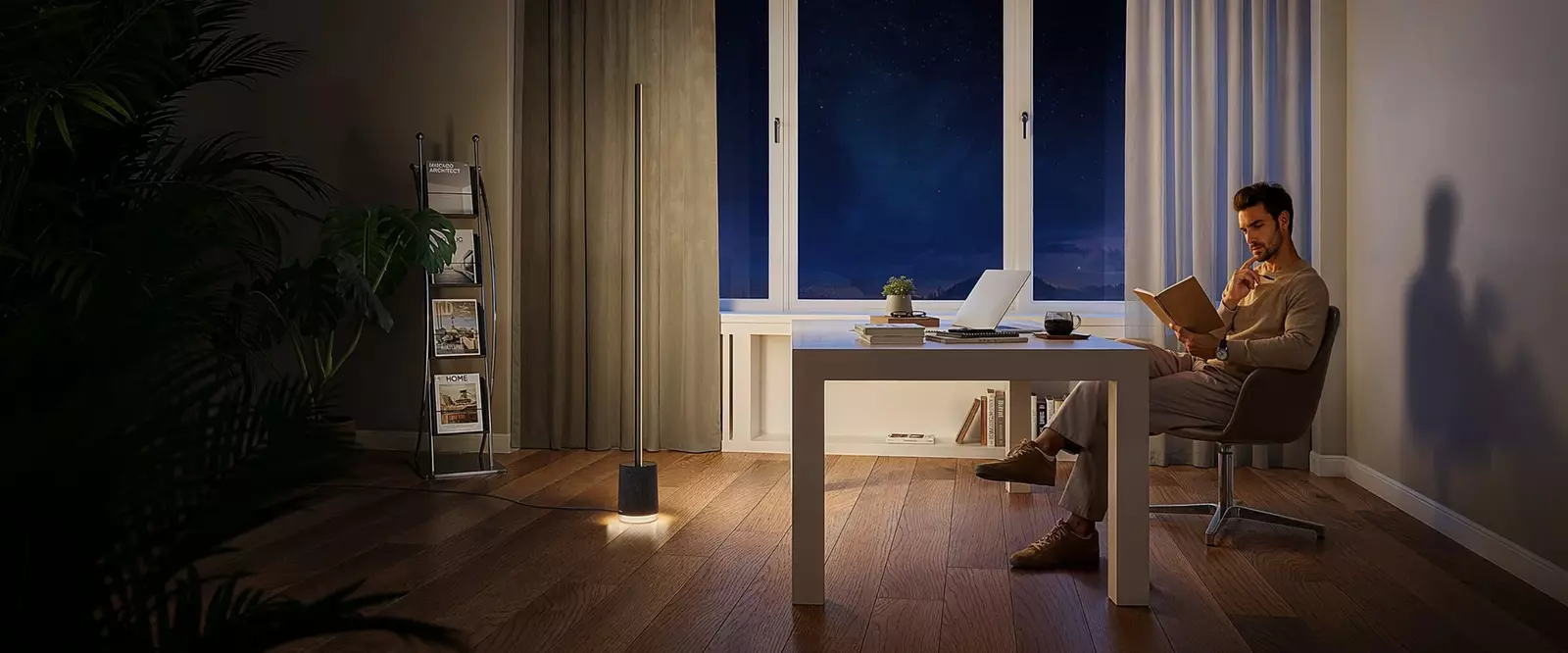
The 1.7-meter floor lamp contains denser lamp bead distribution.
Its 300° rotatable design allows it to illuminate larger areas.
Synchronous Change of Sound and Lighting Effects:
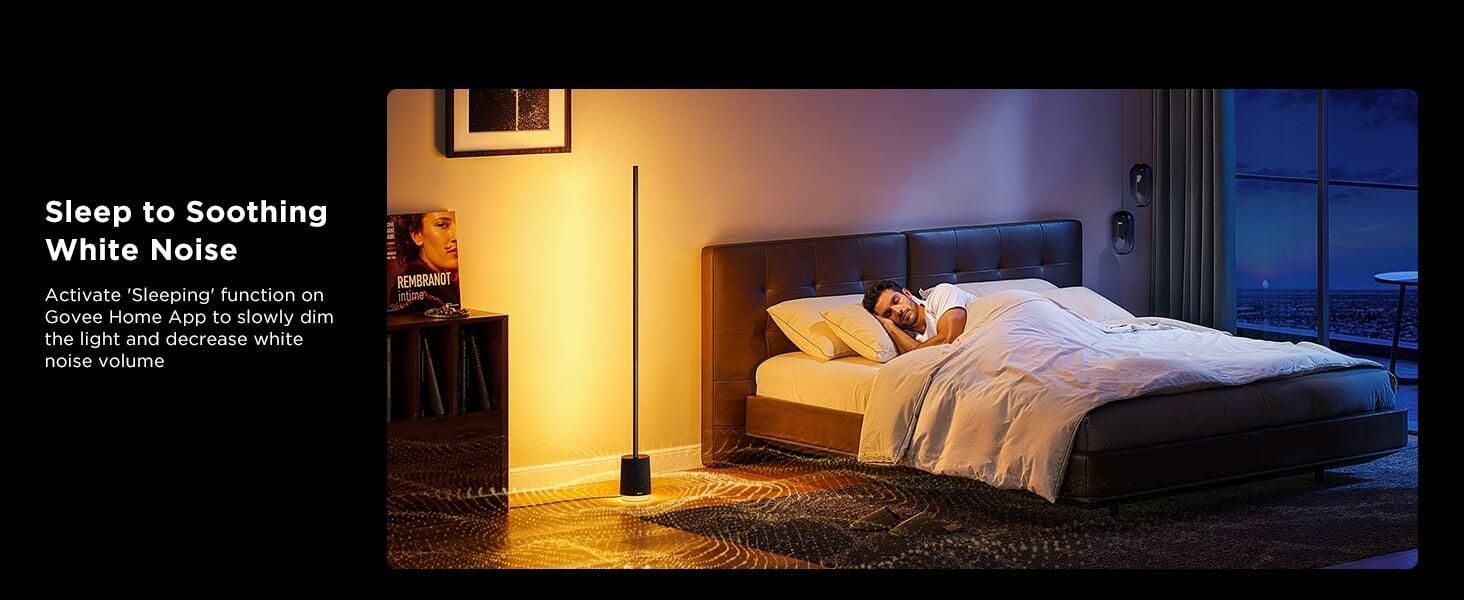
Unwind with 29 distinct white noise scenes.
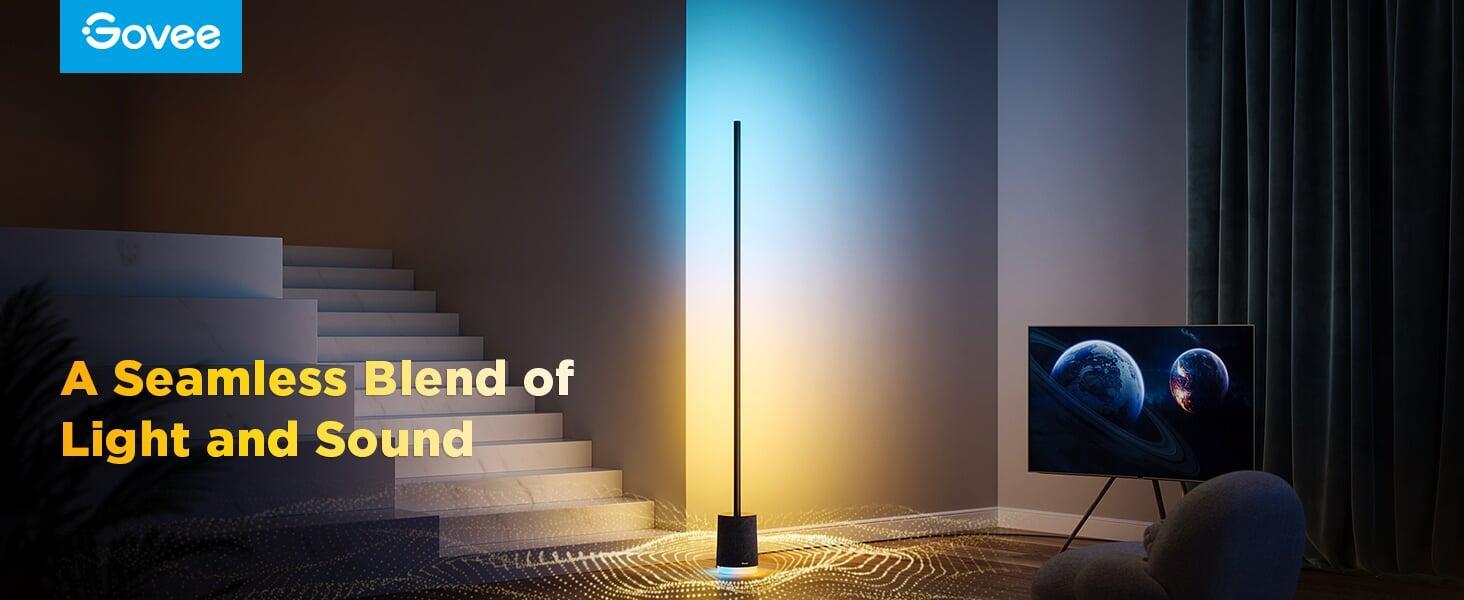
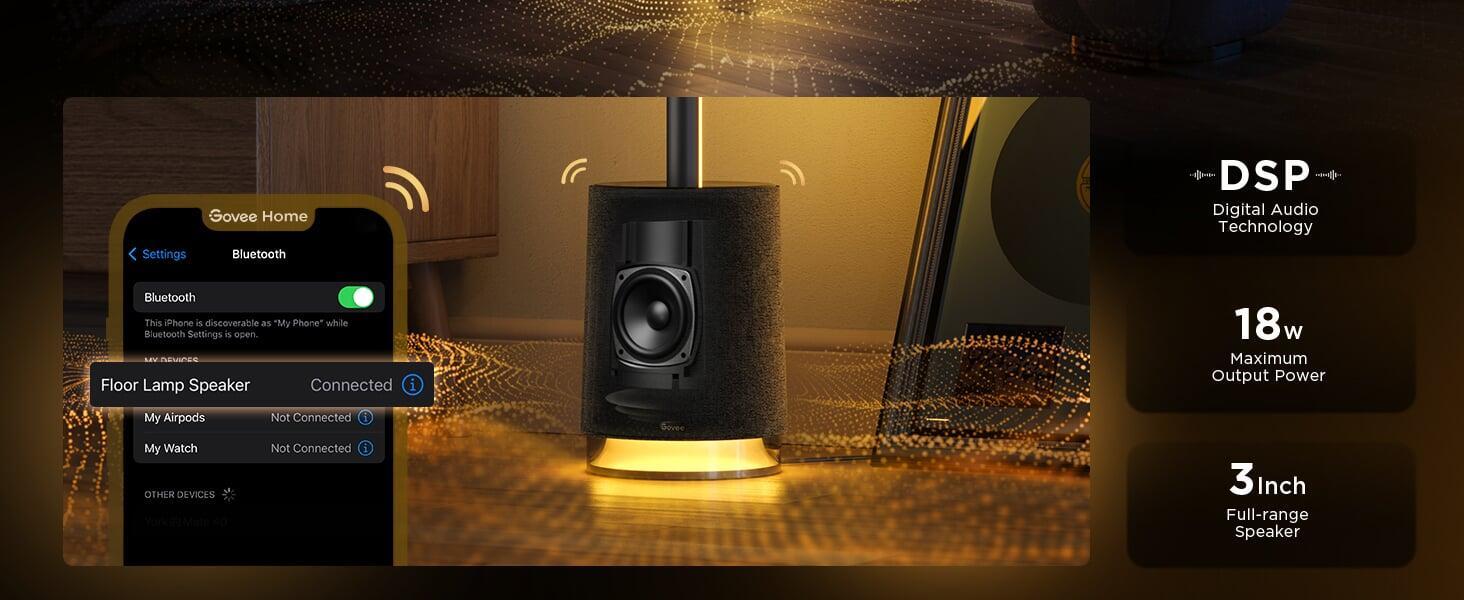
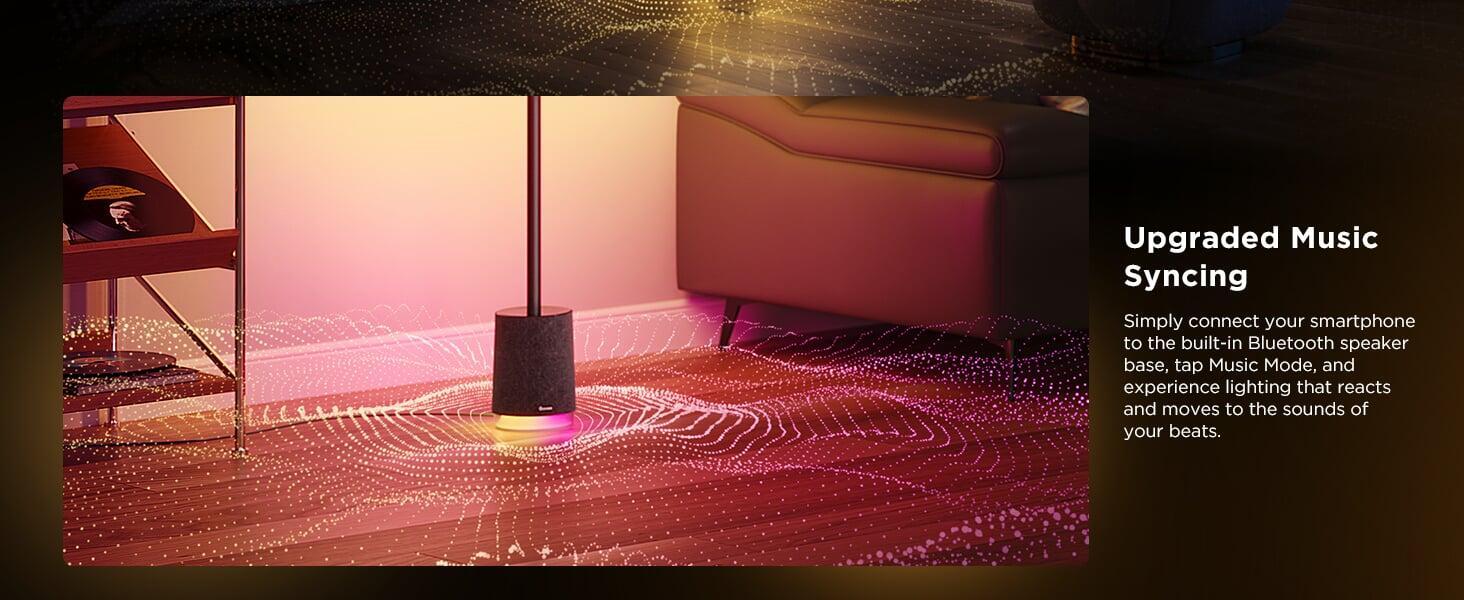
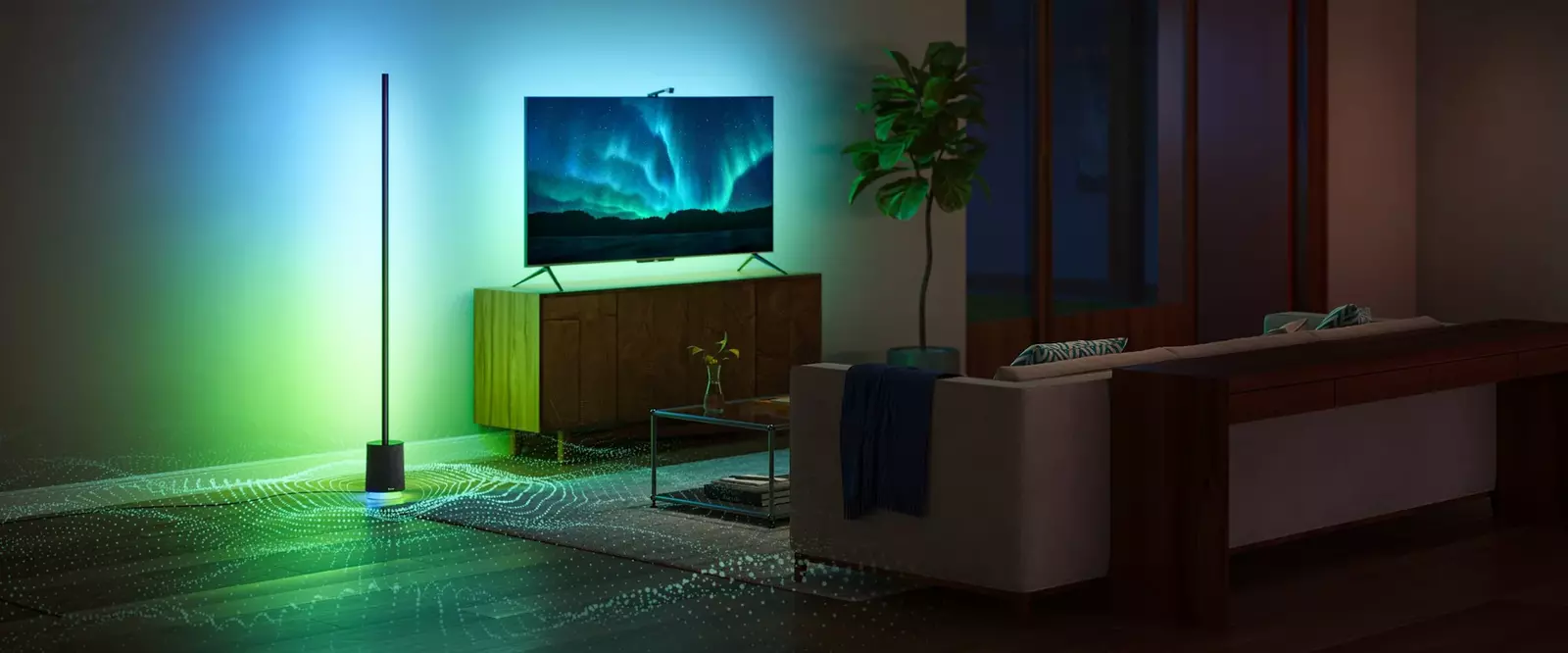
This multifunctional lamp has a built-in Bluetooth speaker, reacting to tunes with lighting effects.
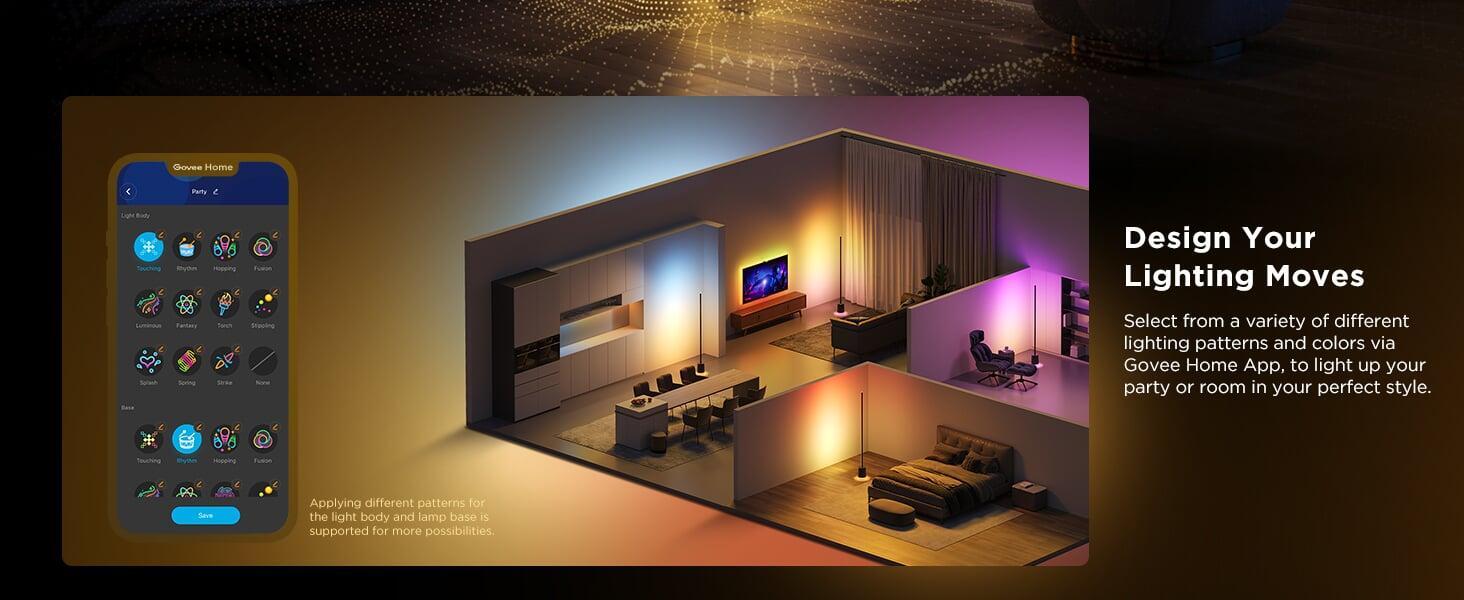
81+ Gorgeous Scene Modes + 29 White Noise Scenes:
Choose from a variety of scenes to fit the ambiance of your rooms, which are impressive for any special occasion.
Art by Design:
Modern meets futuristic with our LED corner lamp, designed to easily fill corners and integrate with your other home decor.
High Brightness:
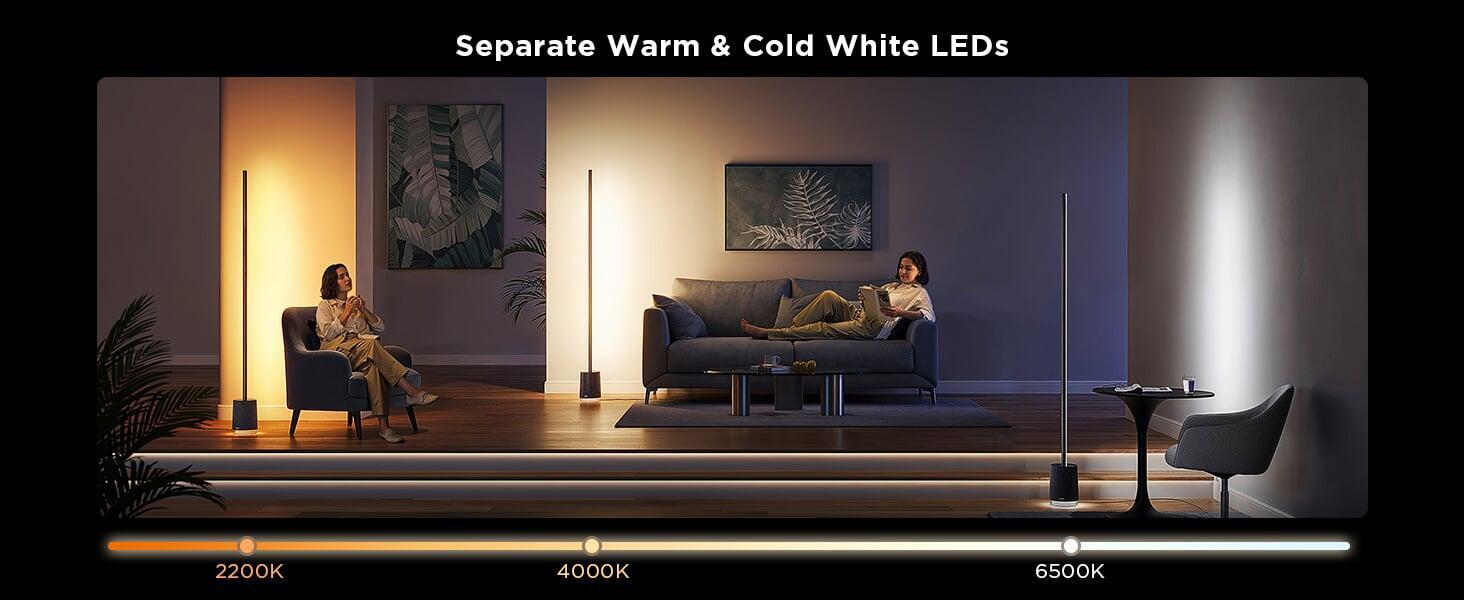
With 2100 lumens of brightness and color temperature from 2200k to 6500k, this floor lamp can meet all your lighting needs.
Futurist & Modern Design:
The timeless minimalist design of this floor lamp for living room infuses sophistication into any setting.
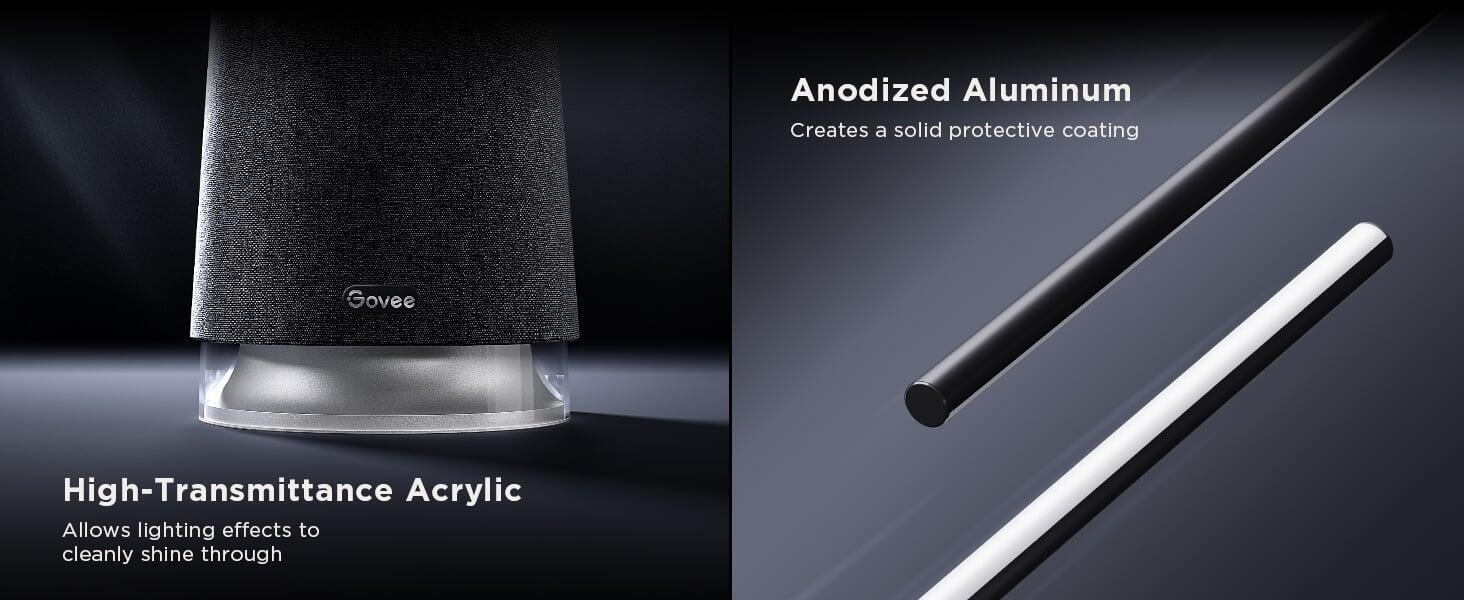
With a textured satin aluminium finish and compact base unit, it truly elevates your space.
Cutting-Edge RGBICWW Technology:
Savor multi-color displays as customized from 16 million total colors, 2200k-6500k warm/cool whites, and 1500 lumens of brightness.
Upscale ambiance for hosting get-togethers, watching movies or reading and relaxing.
Get Creative With DIY Mode:
Using Govee Home app, finger-sketch your own custom color effect, plus show off these creations to the Govee community where others can add your DIY effects to their own light.
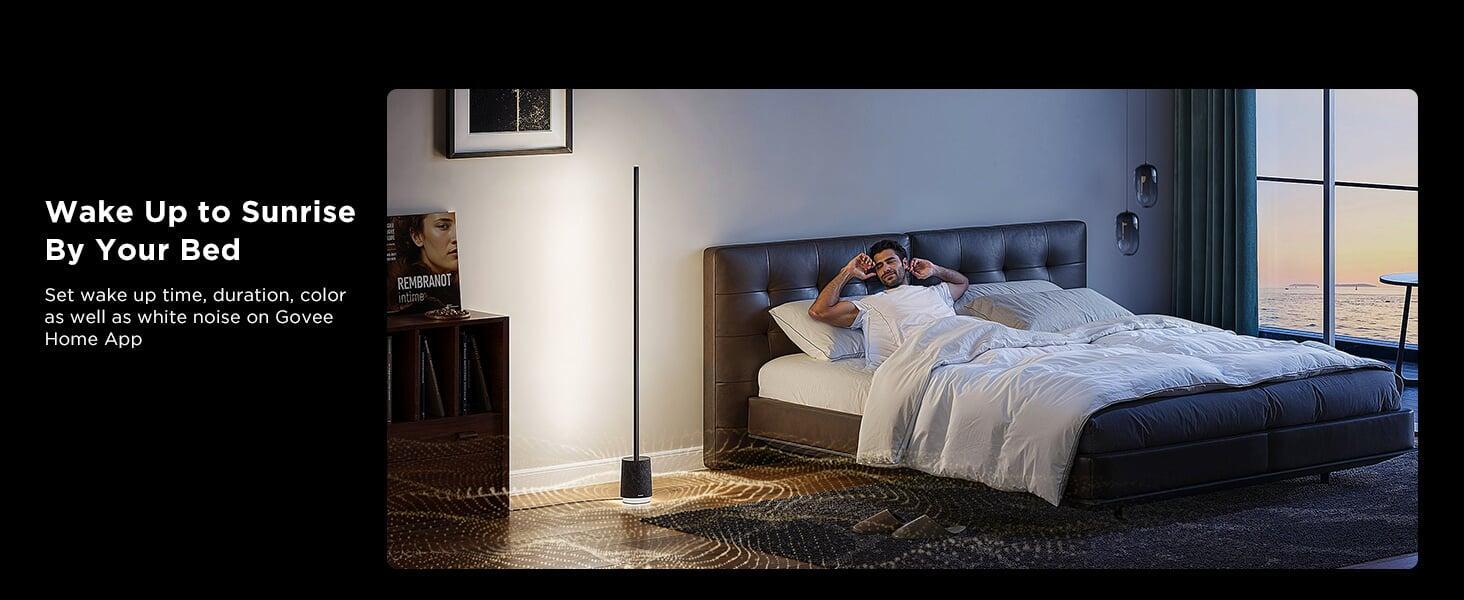
In addition to being suitable in a living room, the floor lamp is also suitable for bedrooms.
Effortless Voice Control:
With the hands free control via Wi-Fi, you can spend more time doing what you love – Change the colours and effects of your LED lights by using Alexa or Google Assistant.
Reactive Music Modes:
With Govee Floor Lamp Pro floor lamp's built-in microphone, set one of 6 music modes and enjoy as the light bounces, flows, and dances to the beat of your favorite music.
Please note:
Pairing two or more Floor Lamp Pros to the same source device for playing audio simultaneously on them is not supported.
SPECIFICATIONS:
Model: H6079
Product Title: Govee Floor Lamp Pro
Colors: RGBICWW
Size: 137×137×1700mm
Brightness: 2100lm@6500k
Control Methods: App, Remote Control, Voice Control
App Connectivity: 2.4GHz Wi-Fi + Bluetooth
Voice Control: Alexa, Google Assistant
Special Features: 81+ Scene Modes, 29 White Noise Scenes
INSTRUCTIONS:
Safety Instructions
Read and follow the safety instructions below:
• Use the product with the provided power adapter only.
• The product is not waterproof. Do not expose it to areas susceptible to water splashes or water drops.
• The internal light sources cannot be replaced. If it breaks, the product should be replaced.
• Do not allow children to install the floor lamp alone.
• Do not disassemble or modify the device and its accessories.
• Avoid installing the device near potentially dangerous sources or heat sources (e.g., candles, liquid-filled objects.)
• The working temperature should be between 14 to 104°F (-10 to 40°C).
• Store the product in places where the temperature is within -4 to 140°F (-20 to 60°C) if you do not plan to use it for a long time.
Button Interface:
- DIM+: Press to increase the brightness of the light.
- DIM-: Press to decrease the brightness of the light.
- WARM: Press to turn the light warm.
- COOL: Press to turn the light cool.
- COLOR: Press to change colors.
Tips: Enter the Device Settings page in Govee Home App.
Click "Preset Features" to manage the colors.
- Scene Switching: Press to change colors.
Tips: Enter the Device Settings page in Govee Home App.
Click "Preset Features" to manage the colors.
- Scene Switching: Press to change the scene.
Tips: Enter the Device Settings page in Govee Home App. Click
"Preset Features" to manage the scenes.
- Music Mode Switching: Press to change the music mode.
- Volume+: Press to increase the volume.
- Volume-: Press to decrease the volume.
- Power: Press to turn off the light and the white noise.
Tips: The sound will not be turned on automatically by default when you turn on the device. If you want to adjust it, you can go to the Device Settings page to turn the "Silent Power-Up" switch off.
Disassembly Tip:
The product is divided into two parts: (1) a light source and (2) an adapter.
By detaching the output terminal of the adapter, you can easily remove the light source or the adapter.
Pairing Your Device with Govee Home App
What You Need:
- A Wi-Fi router supporting the 2.4GHz and 802.11b/g/n bands. 5GHz is not supported.
1. Download Govee Home App from the App Store (iOS) or Google Play (Android). Log in with your account (new users need to create an account).
2. Turn on the Bluetooth on your smartphone.
3. Open the app, tap the "*" icon in the top right corner and search for "H6079".
4. Tap the device icon and follow the on-screen instructions to complete pairing.
Pairing with the Bluetooth Speaker
1.Turn on the Bluetooth on your smartphone.
2. Long press the Pay button on the remote or enable Bluetooth Pairing in the Device Settings page in Govee Home App to allow the floor lamp to enter the Bluetooth speaker pairing mode. The device will flash blue and start to play the pairing sound.
3. Find Govee Floor Lamp_xxxx in the list of Bluetooth devices on your phone and tap it. The pairing succeeded if the green light appears and the red light indicates the pairing failed. If the pairing failed, please try again.
4. You can check the Bluetooth speaker connection in the list of Bluetooth connections on your phone or in the Device Settings page in Govee Home App.
Tips: You can turn the pairing sound and lighting effect on or off in Settings-Bluetooth
Speaker.
Troubleshooting:
1. Cannot connect to Govee Home App.
- Check if the lamp has been powered on.
- Check if your smartphone's Bluetooth has been turned on or try connecting the lamp to another smartphone.
- Ensure that your smartphone is near the lamp when connecting for the first time.
- If the problem persists, go to the "Device" page to delete the device and follow the previous instructions to reconnect.
2. Cannot connect to Wi-Fi.
- Check if the lamp has been powered on.
- Do not skip connecting to Wi-Fi during the pairing process.
- Ensure that your Wi-Fi router is 2.4GHz capable (5GHz is not supported).
- Ensure that you entered the correct Wi-Fi password during the Wi-Fi connection process.
- Shorten the distance between the device and the Wi-Fi router to less than 50ft, then try reconnecting.
- Use another smartphone to pair with the device to check if your Wi-Fi network is working.
3. Cannot pair or connect with Alexa or Google Assistant.
- Ensure that the Wi-Fi connection is stable.
- Go to the app's Settings page and follow the instructions under "User Guide" to pair the device again.
What's in The Box:
1x Govee Floor Lamp Pro Smart Floor Lamp with Integrated Speaker
1x Control Box
1x EU Adapter
1x Remote Controller
1x Remote Controller Holder
1x Quick Start Guide
1x User Manual
1x Service Card


Ratings And Reviews