

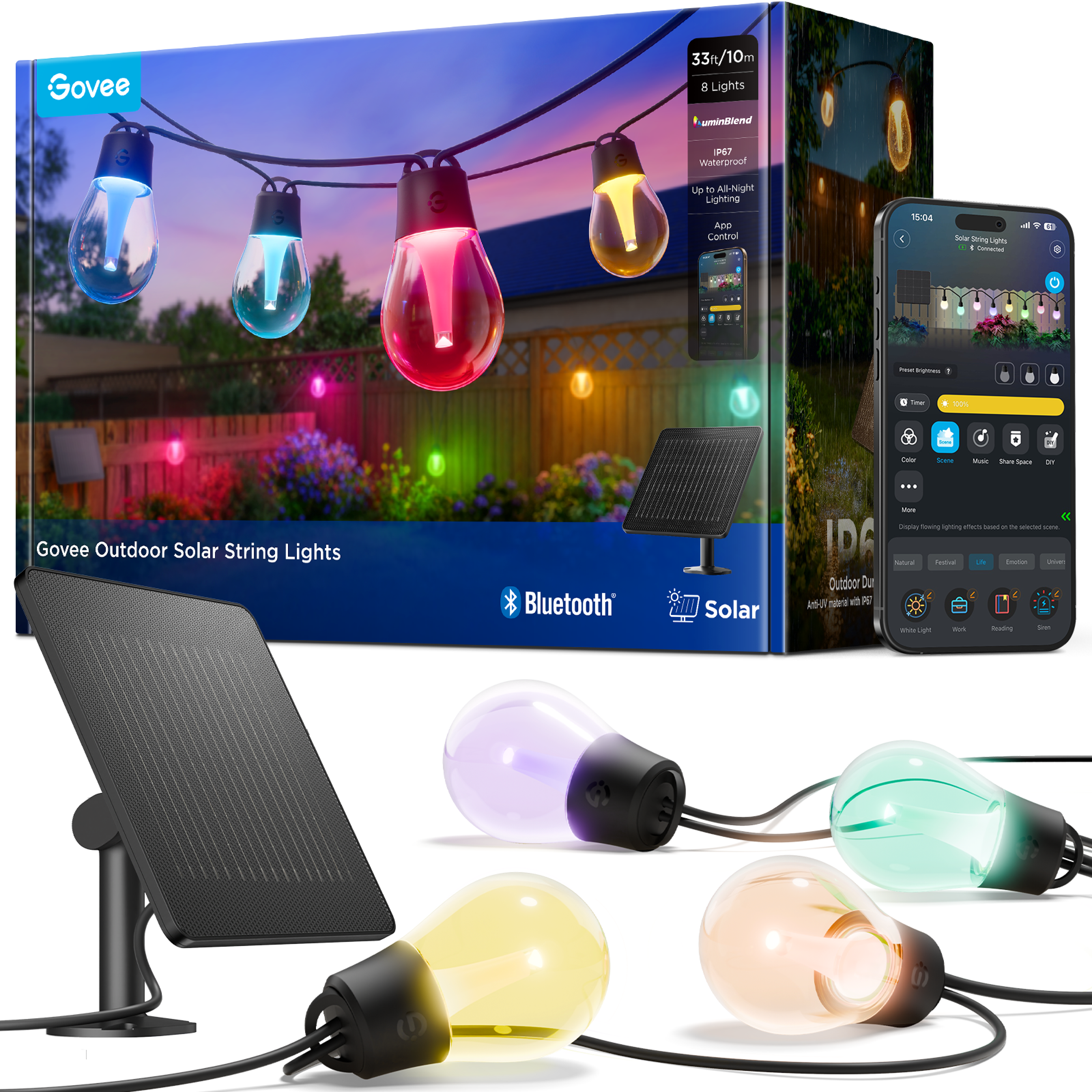


Solar-powered outdoor lights with 16M colours, 100+ scenes, music sync, dimmable white light and IP67 waterproofing
R1,999.00
Customize
Product Details
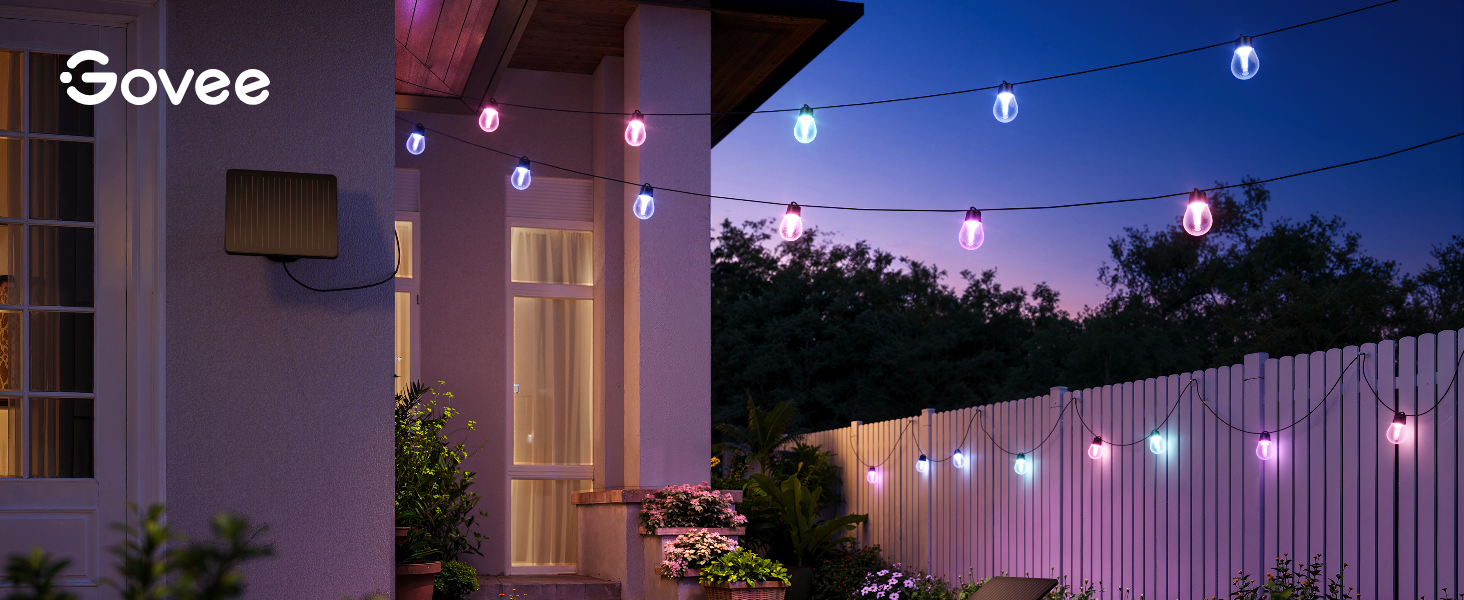
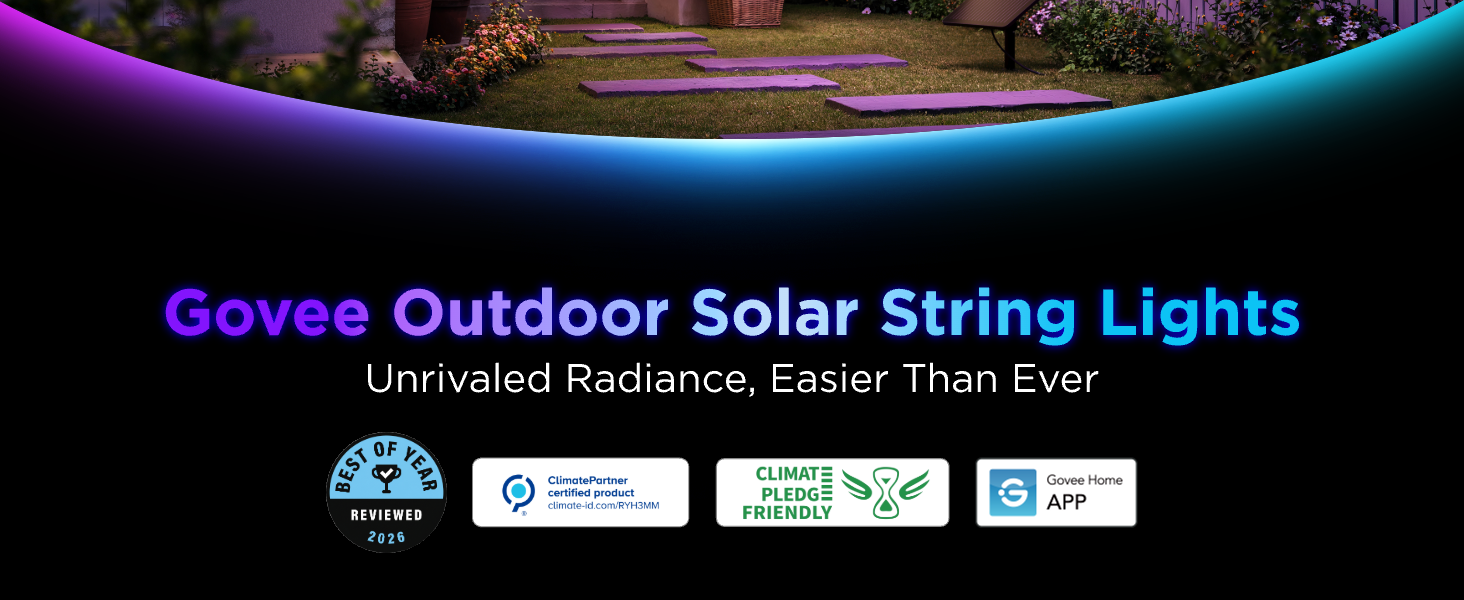
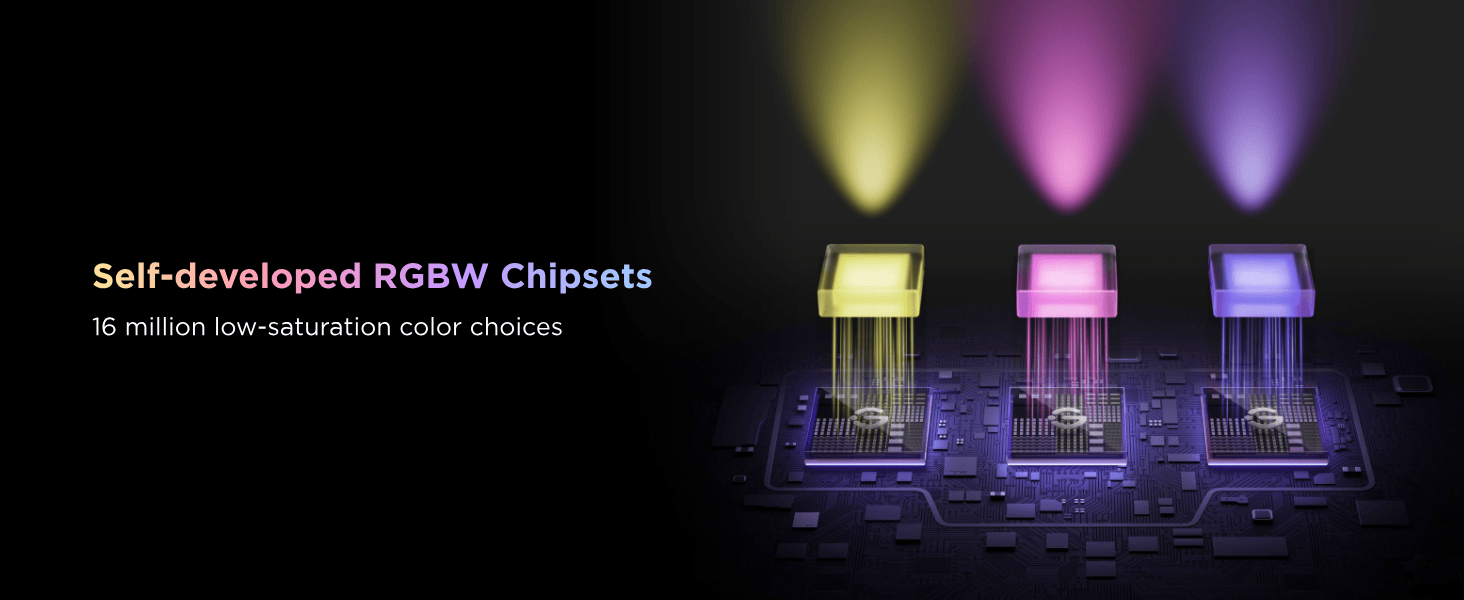
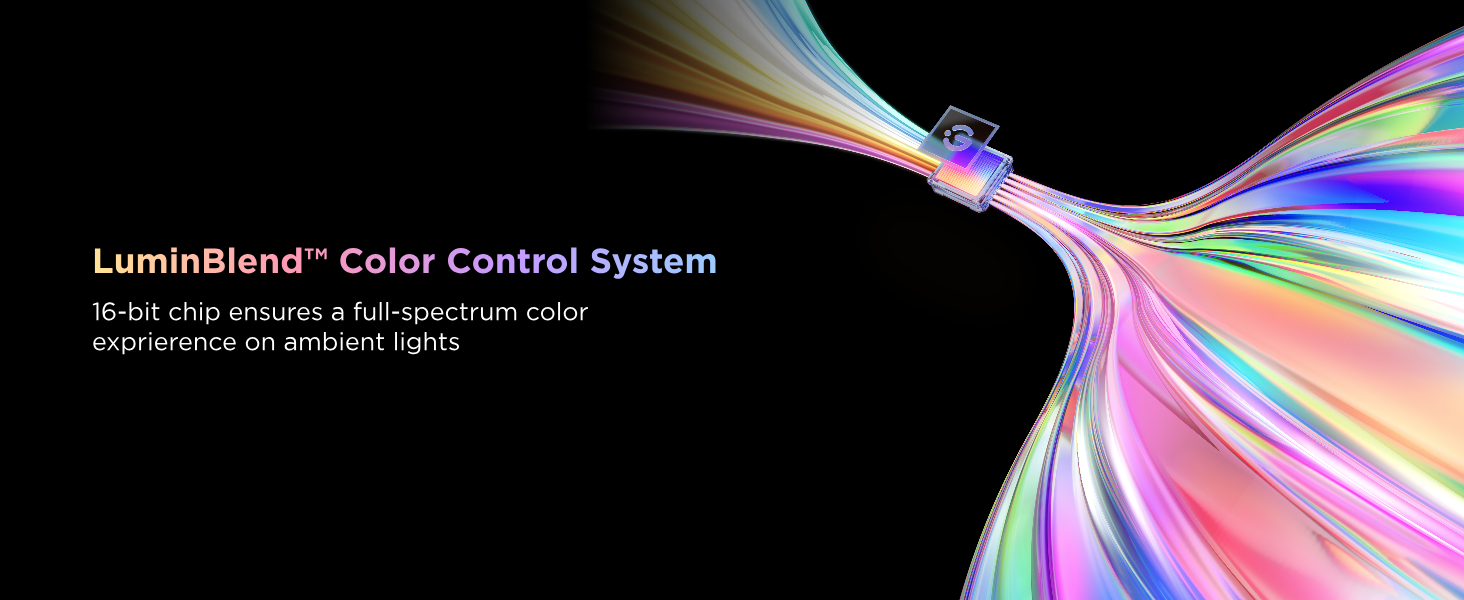
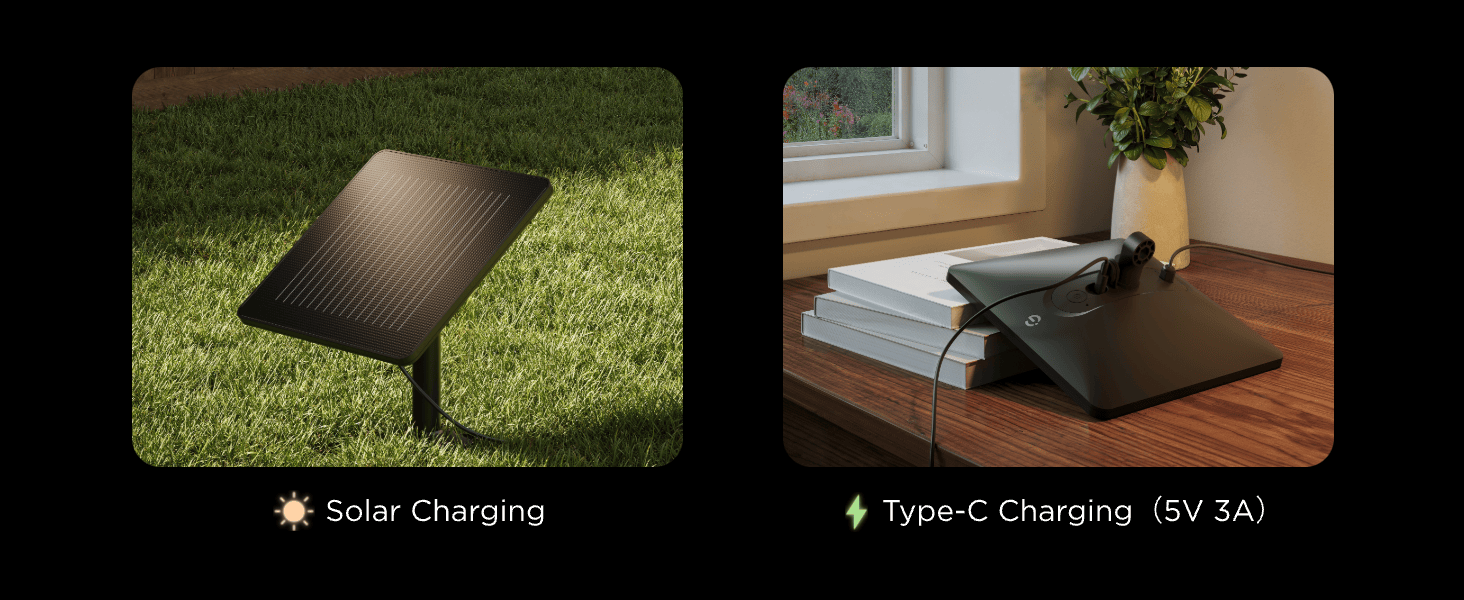
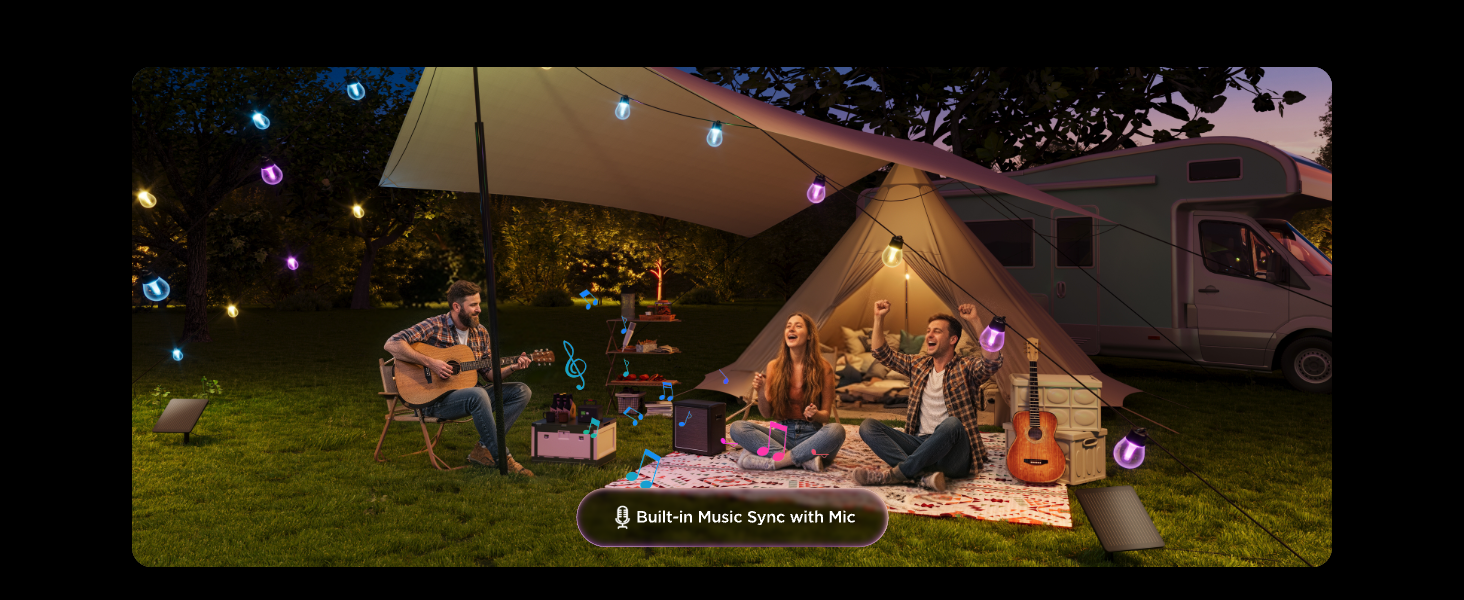
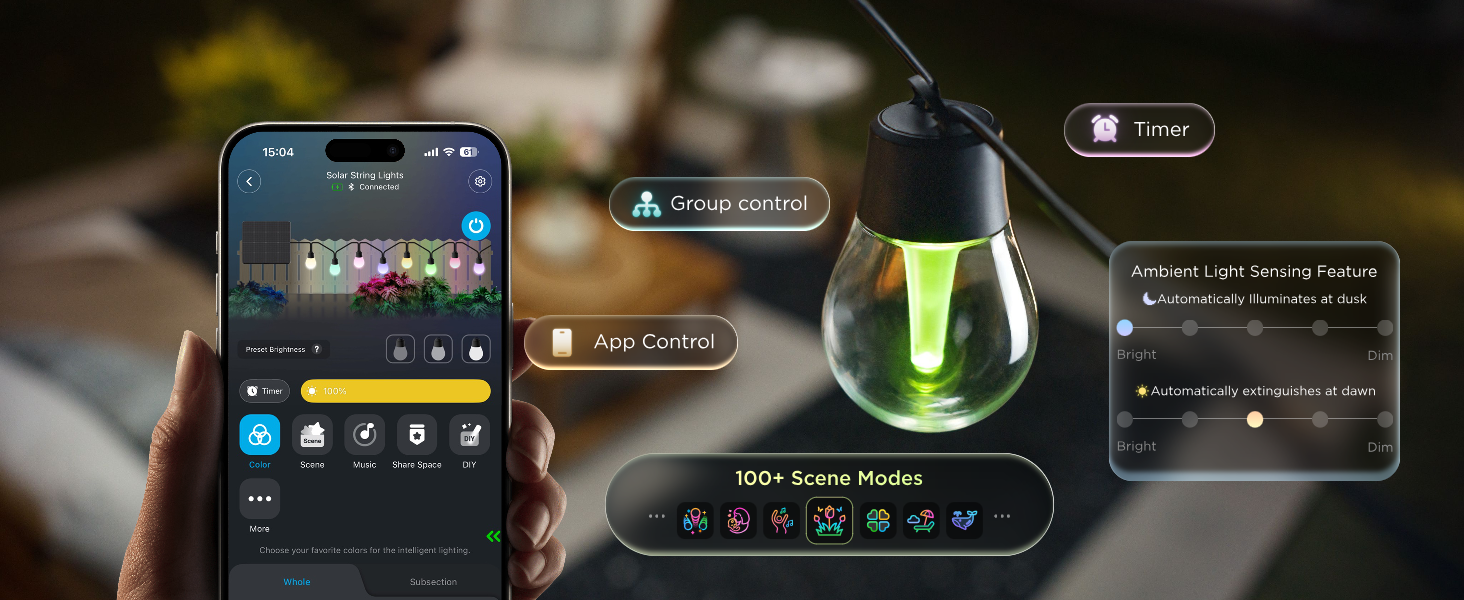
Illuminate your outdoor space with the Govee Outdoor Solar String Lights H3001. Featuring RGBICW and LuminBlend technology, these 10 m string lights deliver vibrant colours, natural white lighting and smooth colour blending for any occasion. Choose from 16 million colours and 100+ preset scenes, or sync the lights with music using the Govee Home App.
The 6W solar panel provides efficient daytime charging, while the high-capacity battery delivers up to 13 hours of lighting on a full charge under specified conditions. With IP67 waterproof protection, durable construction and a 180 adjustable solar panel, these lights are designed for reliable outdoor use. They can also be charged via USB-C, giving you flexible charging options when sunlight is limited.
MAIN FEATURES:
RGBICW + LuminBlend™:
Our color-changing solar string lights offer 16 million colors to match any mood—from vibrant parties to relaxing evenings.
Fast Charge, Long-Lasting:
With high-capacity battery and a 6W high-power solar panel, a full charge offers up to 13 hours of light from dusk to dawn (tested at 10lm; runtime varies by brightness & sun exposure).
Solar-Powered & Energy Efficient:
Charges in direct sunlight during the day and automatically lights up at night without extra electricity costs.
Outdoor Reliability:
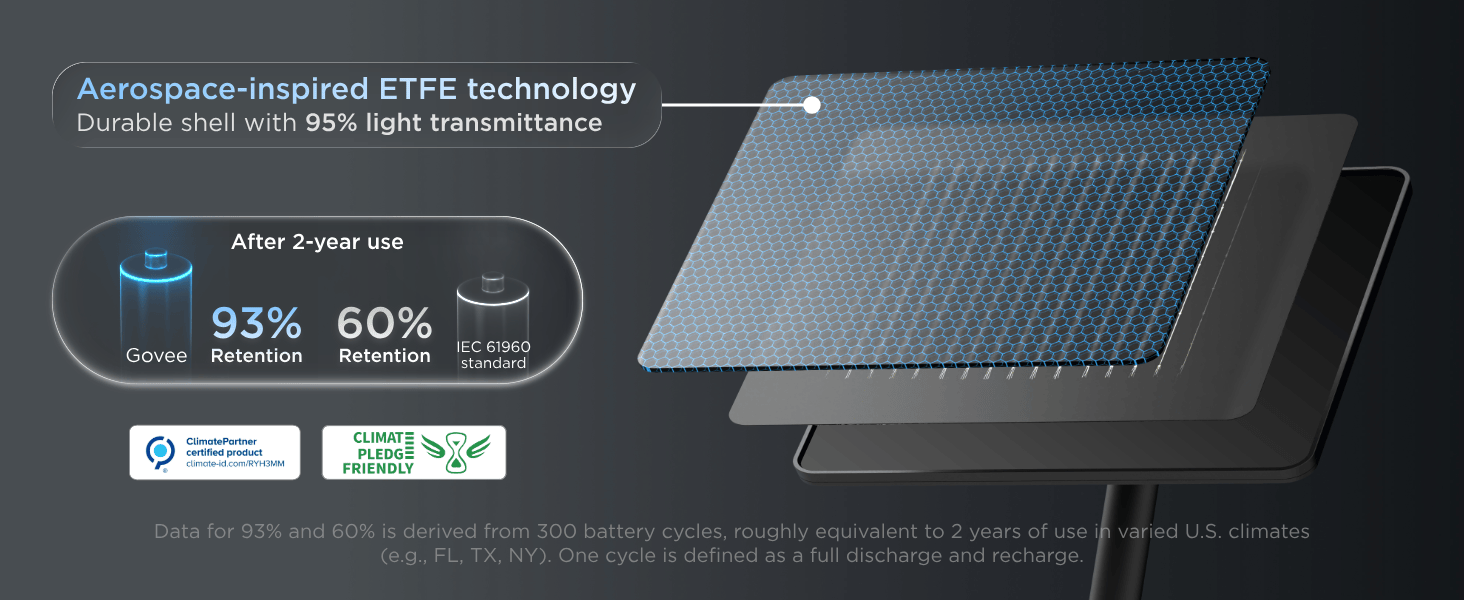
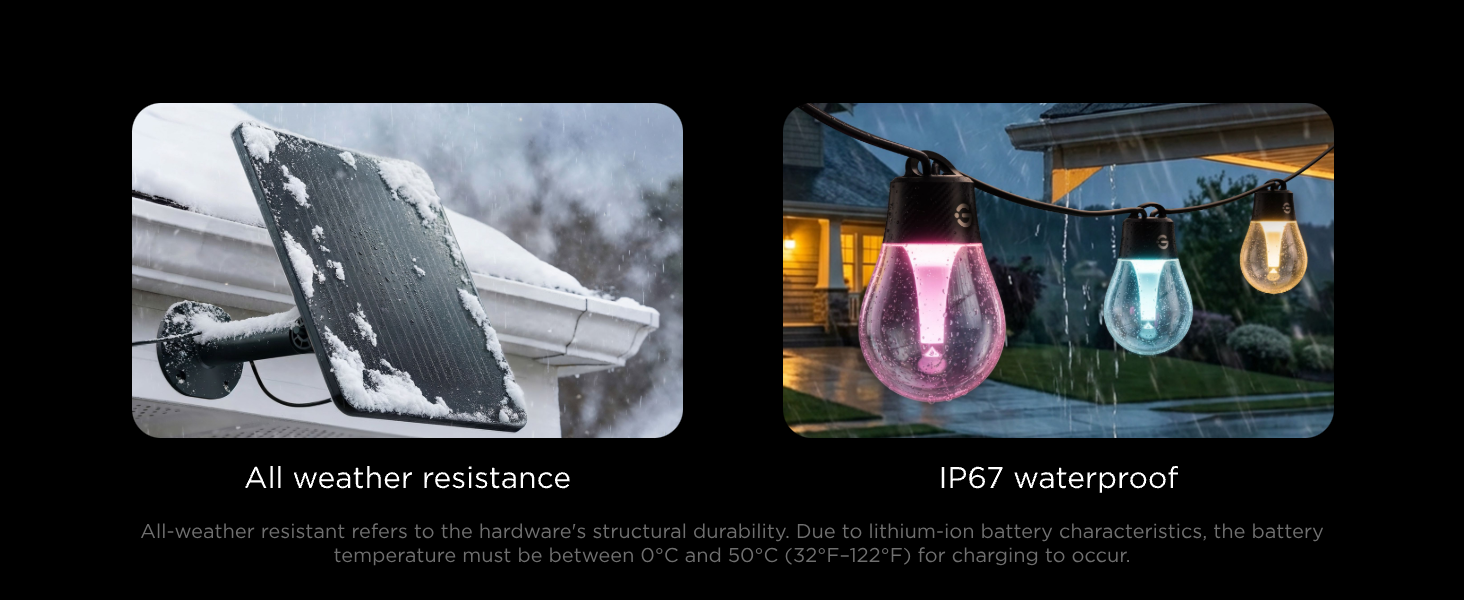
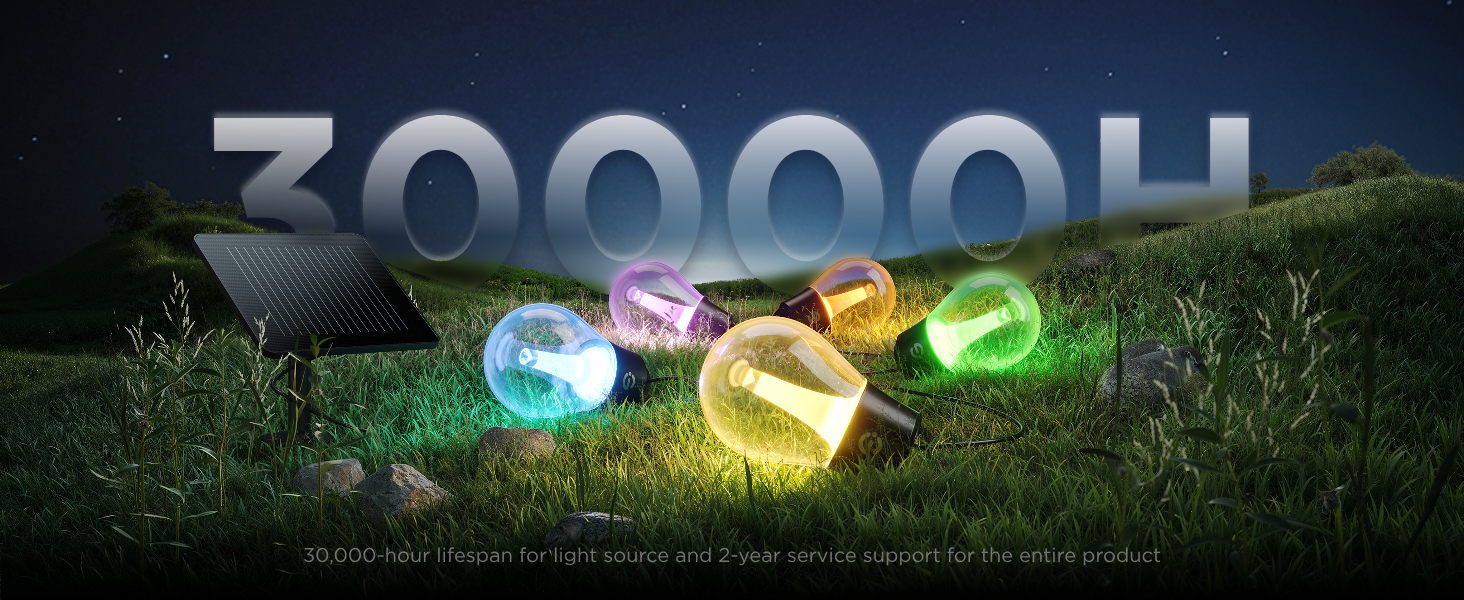
Built for all-weather durability, these string lights and solar panel are IP67 waterproof. Solar panel with aerospace-inspired ETFE technology endures extreme temperatures (-20°C–40°C) and chemical exposure. Note: The string lights have about 30,000-hour lifespan.
Dimmable White Light:
Up to 50lm per light, these outdoor solar bulb string lights provide bright lighting and accent illumination. White Light Mode: go to Scene > Life > White Light in the Govee Home App.
Smart App Control:
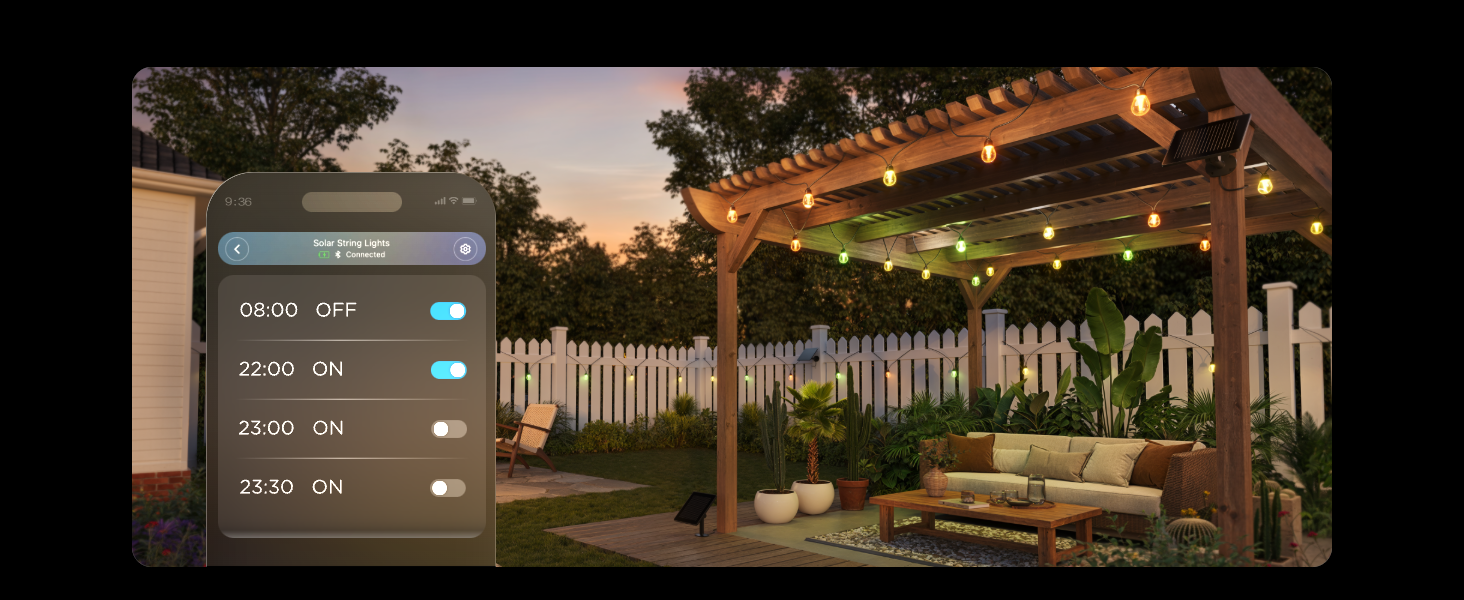
Access 100+ preset scenes, music sync, scheduled on/off, and real-time battery status—all from your phone.
Dual Charging Methods:
Solar-powered with a detachable panel for outdoor use and USB-C fast charging for indoor use.
Easy Installation:
No wiring needed — plug and play or screw mount with the included bracket. 180° adjustable solar panel maximizes sunlight for efficient charging.
SPECIFICATIONS:
Model: H3001
Length: 10 m
Product Title: Govee Outdoor Solar String Lights
Colors: RGBICW
Lumens: 50lm/light
Waterproof: Lights--IP67, Power Adapter--Outdoor Use
Material: UI-Resistant Material
Scene Modes: 100+
Music Modes: 6
Control Methods: App
Special Features: Solar-Powered, RGBICW, LuminBlend™ Technology, IP67 Waterproof
WHAT'S IN THE BOX:
1 x Solar Module
1x Mounting Support
1 x Mounting Nut
1 x Ground Stake
20 x Zip Ties
1 x String Lights
1 x Service Card
1 x User Manual
6 x Expansion Tube
6 x Screw
IMPORTANT SAFETY INSTRUCTIONS
When using electrical products, basic precautions shall always be followed including the following:
READ AND FOLLOW ALL SAFETY INSTRUCTIONS.
All safety messages will alert you of what the potential hazard is, tell you how to reduce the chance of injury, and let you know what can happen if the instructions are not followed.
Do not mount or place near gas or electric heaters, fireplaces, barbeque grills, candles or other similar sources of heat.
Do not secure the wiring of the product with staples or nails, or place on sharp hooks or nails.
Do not let lamps rest on the supply cord or on any wire.
Do not use this product for other than its intended use.
Do not close doors or windows on the product or extension cords as this may damage the wire insulation.
Do not cover the product with cloth, paper or any material not part of the product when in use.
Do not connect the chain to the supply while it is in the packing unless the packing has been adapted for display purposes.
Do not connect the chain to the supply while it is in the packaging.
For ambiance lighting only. Not for illumination.
Do not store or use gasoline or other flammable vapors and liquids in the vicinity of the appliance or any other appliance. The fumes can create a fire hazard or an explosion.
Never clean appliance parts with flammable fluids or harsh chemicals. The fumes can create a fire hazard or an explosion.
This appliance is not intended for use by persons (including children) with reduced physical, sensory, mental capabilities, or lack of experience and knowledge, unless they have been given supervision or instruction concerning use of the appliance by a person responsible for their safety. Children should be supervised to ensure that they do not play with the appliance.
Read and follow all instructions that are on the product or provided with the product.
For environmental reasons, this package does not include a charger.
This device can be powered by most USB power adapters and data cables equipped with a USB-C plug.
Avoid striking or applying excessive pressure to the solar panel with hard objects, as this may cause internal solar cells to fracture.
If you encounter prolonged rainy weather with insufficient sunlight, causing low battery levels, you may remove the solar panel for charging.
Note: The device only supports 5VDC input voltage, and we recommend using a 5V= 3A power adapter.
Please turn off the device during charging to improve efficiency.
The control gear of this luminaire is a non-replaceable component; when the control gear reaches its end of life the whole luminaire shall be replaced.
During installation, ensure the waterproof connector on the light fixture is securely closed.
For your safety, this product does not support user-replaceable batteries. In case of any malfunction, please contact our customer service. We are dedicated to providing you with after-sales support.
Never disassemble or crush the solar panel. It contains a lithium battery; damage may cause leakage, overheating, fire, or explosion.
Shall recommend that installation be performed by an appropriately qualified professional, and that the installation shall comply with any local rules and regulations.
This product contains a lithium-ion battery. At the end of the product's life, please dispose of it in accordance with your local environmental regulations.
You can use a power bank to charge and illuminate the light string while charging. However, power input will prioritize lighting functionality during this time and resume battery charging only after the light string is turned off.
To ensure safe usage during high temperatures, if the battery temperature exceeds 50 C the solar panel will stop charging the battery. Charging will resume once the temperature drops below 50 C.
To ensure safe operation, lithium-ion batteries will cease charging when ambient temperatures fall below O C. You may remove the solar module, fully charge it in an environment above 0 C, and then use it in normal outdoor conditions (-20 C to 45 C).
Troubleshooting:
1. Failed to connect to Govee Home App.
a.Make sure the light string is connected to the Solar Module.
b.Make sure your smartphone's Bluetooth is enabled.
C. Keep your smart phone close to the Solar Module and try again.
2. Missing parts/receiving products from a secondary sale.
a.Check the pictures on the web page to confirm what parts are missing and contact customer service via the app for replacements.
b.If you received a product from a secondary sale or a product that cannot work properly, please contact customer service via the app for a replacement.
3. Unable to find instructions for using the app.
a. Open Govee Home App, tap My Profile >> Govee Instructions >> AppGuide >> How to Use, to find more details.
4. When powering the light string via a power adapter or power bank, ensure the input is no less than 5V=2A to guarantee proper operation. If the battery is low and the power adapter input is below 5V== 2A, insufficient power may cause flickering. Increase the input power or charge the device for a period before use to restore normal operation.
If your problem persists, please contact Customer Support.
Ratings And Reviews