







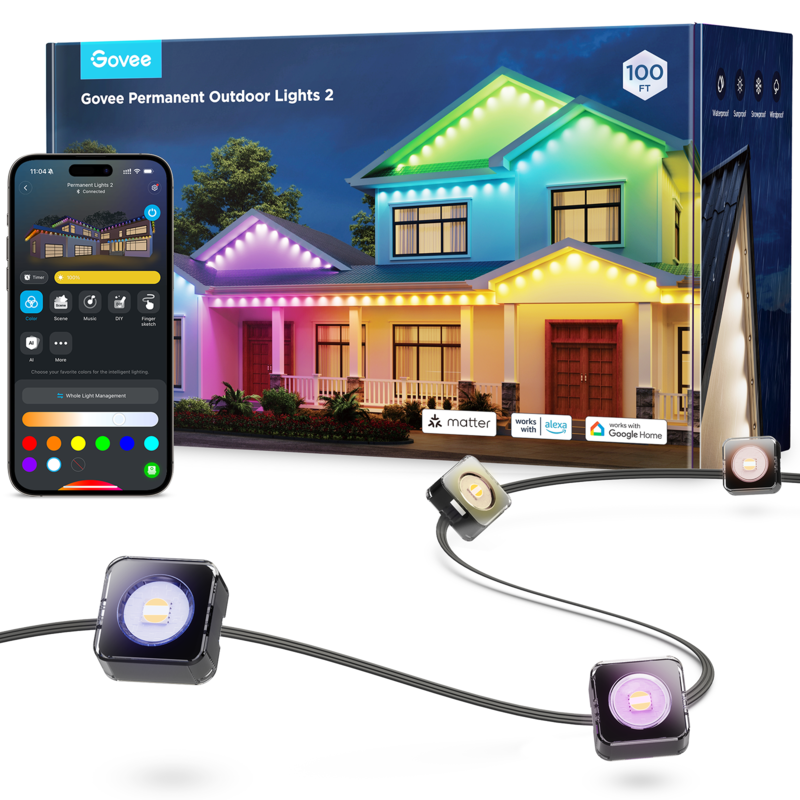


Lights with 75 Scene Modes, 30m with 72 bright RGBIC LEDs, IP67 Waterproof with Alexa, Google Assistant, Matter
Out of stock
R6,999.00
Customize
Model Number:
H705E Purchase Channel Yuppiechef
https://m.yuppiechef.com/outdoor-lighting.htm?id=61144&name=Govee-Permanent-Smart-Outdoor-Lights Purchase Channel BobShop
https://www.bobshop.co.za/govee-permanent-outdoor-lights-2-30m/p/676772237 Warranty Period:
12 months Product Details
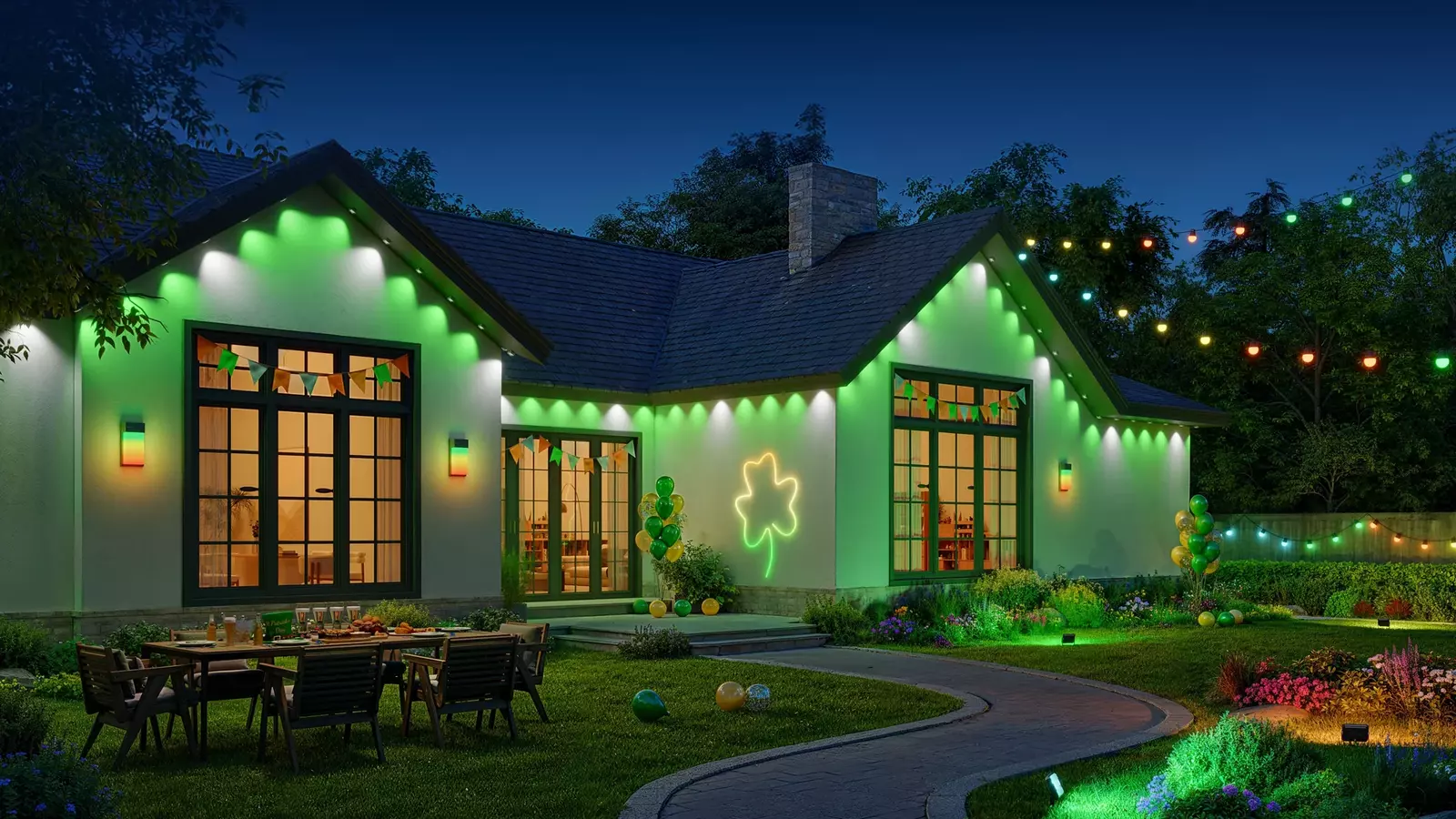
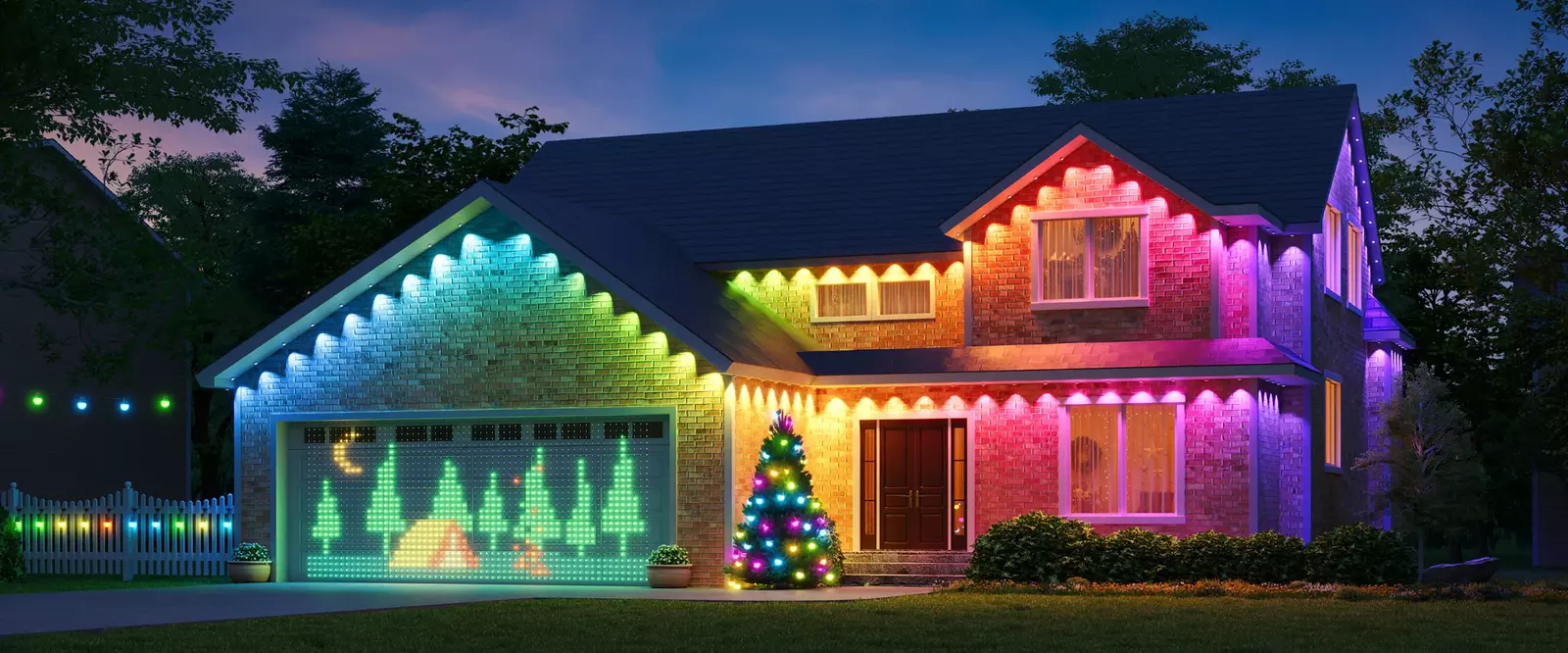
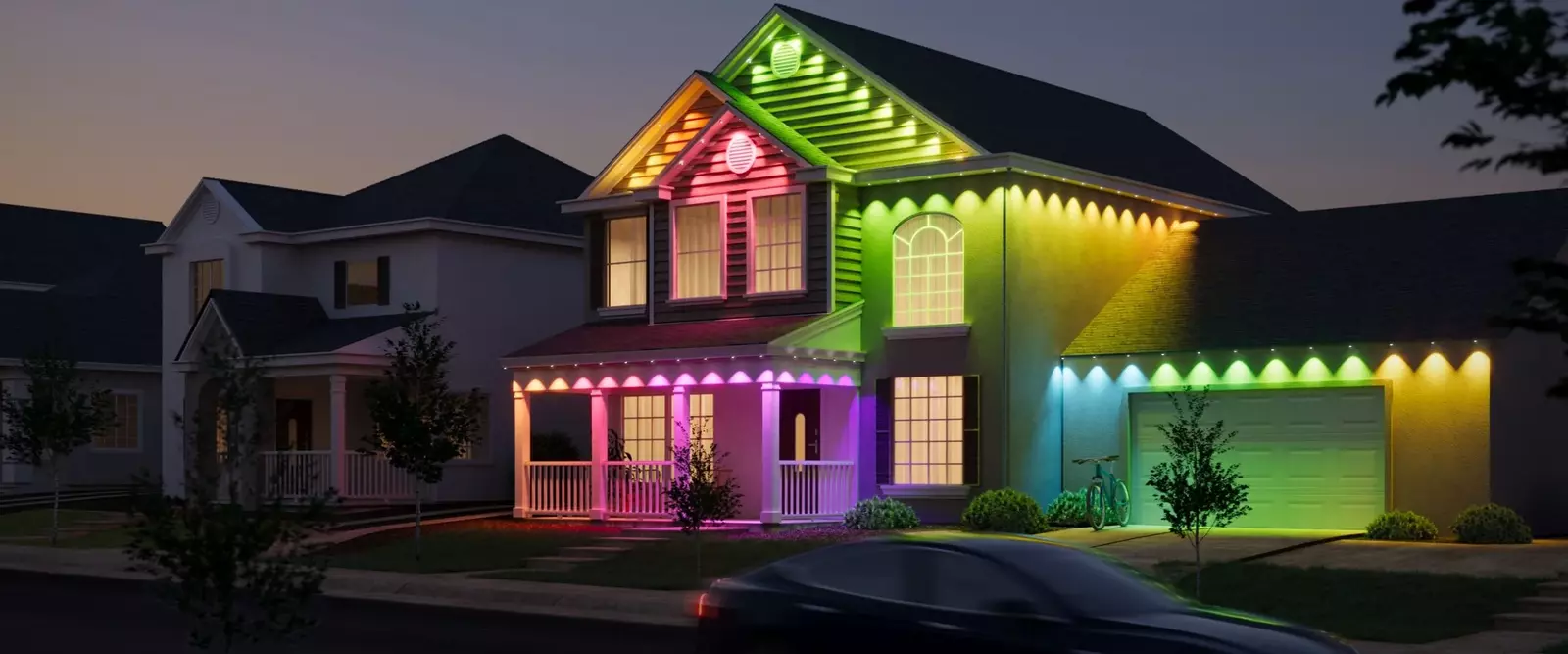
As permanent Christmas lights, Govee Permanent Outdoor Lights 2 are perfect for multiple occasions, from cozy Valentine's Day evenings to spooky Halloween nights.
With 100 scene modes and 16 million colors, these permanent outdoor Christmas lights build a captivating and unique outdoor evironment for you.
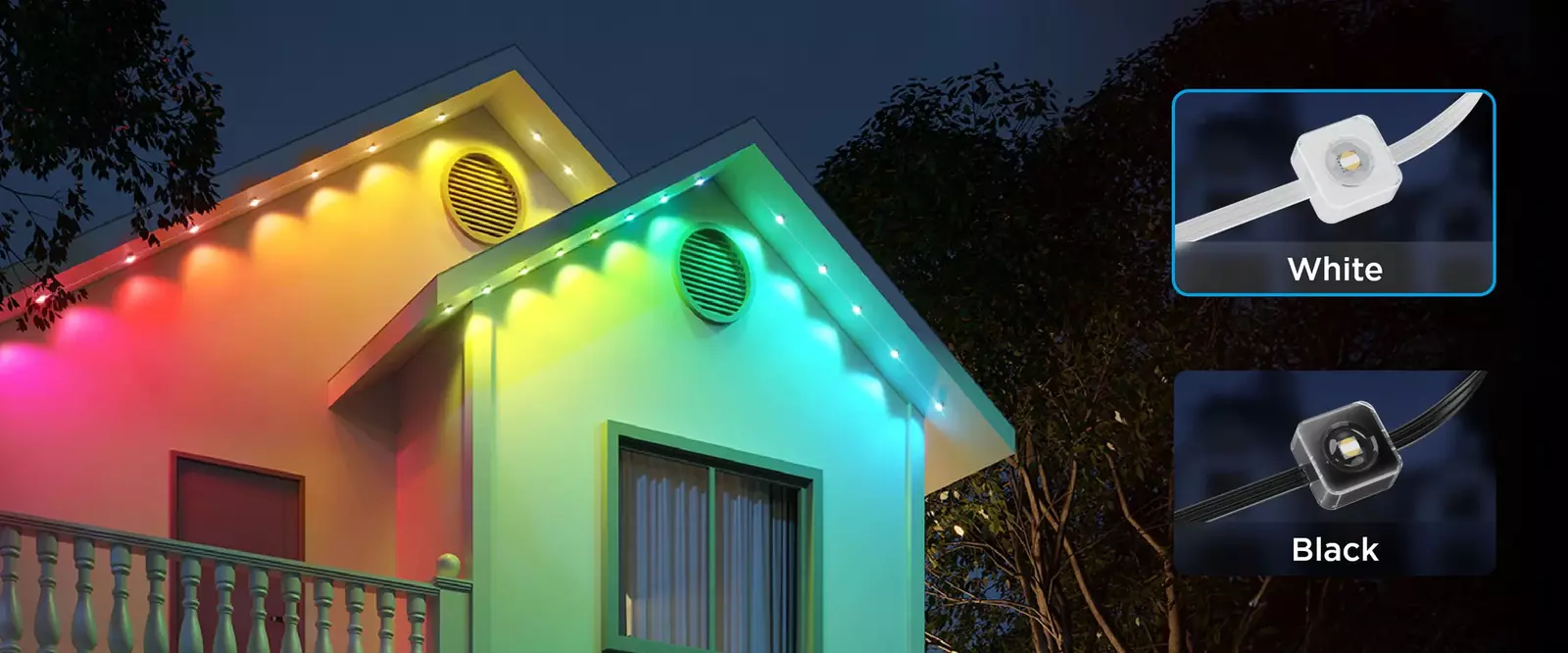
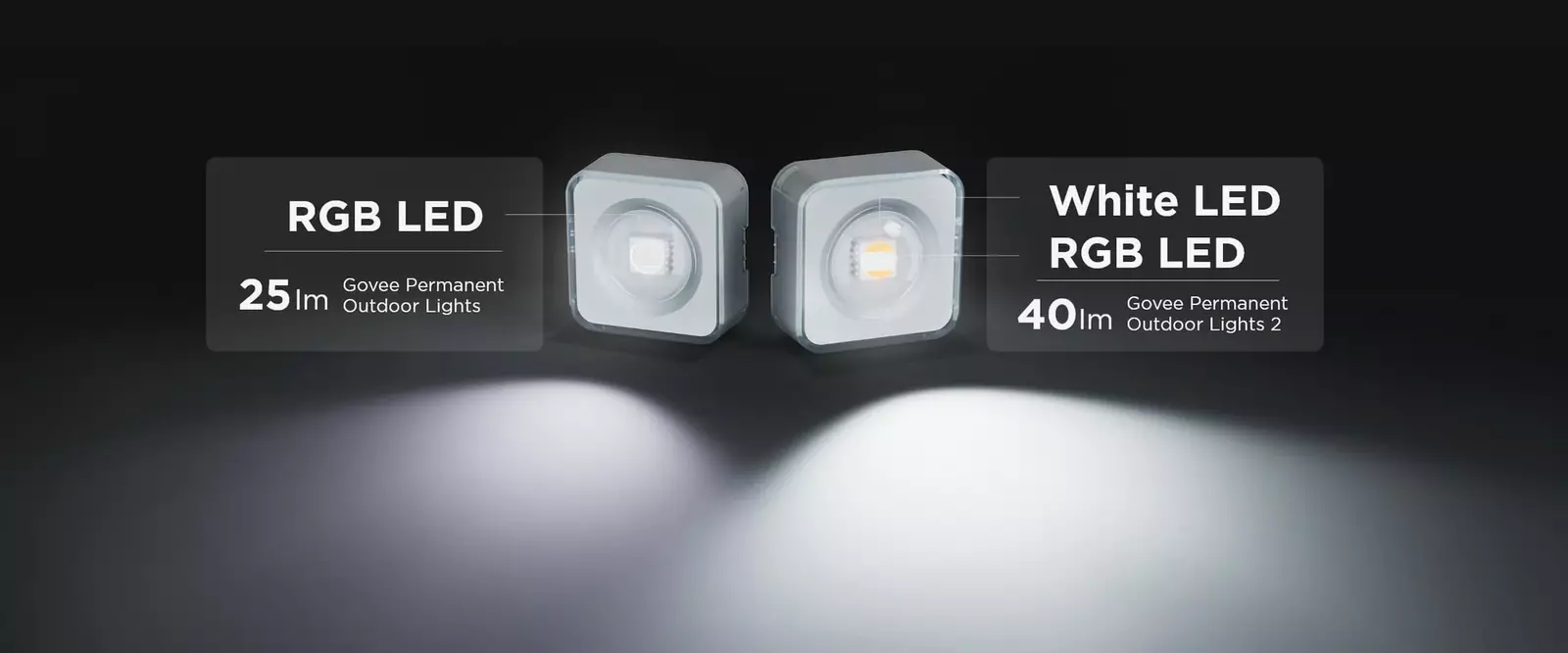
It also shines your home with its powerful 40-lumen white light.
With 100 scene modes and 16 million colors, these permanent outdoor Christmas lights build a captivating and unique outdoor evironment for you.
It also shines your home with its powerful 40-lumen white light.
*The total length after adding extension lights should not exceed 45m. The extension light can only be used with H705D/H705E.
FEATURES & BENEFITS:
Elaborate RGBICW Lighting:
An upgraded design, Govee Permanent Outdoor Lights 2 shows a smooth lighting effect from 16 million accurate colors.
It also enhances security with its 40lm white light.
Smooth and uniform, without any purple tint
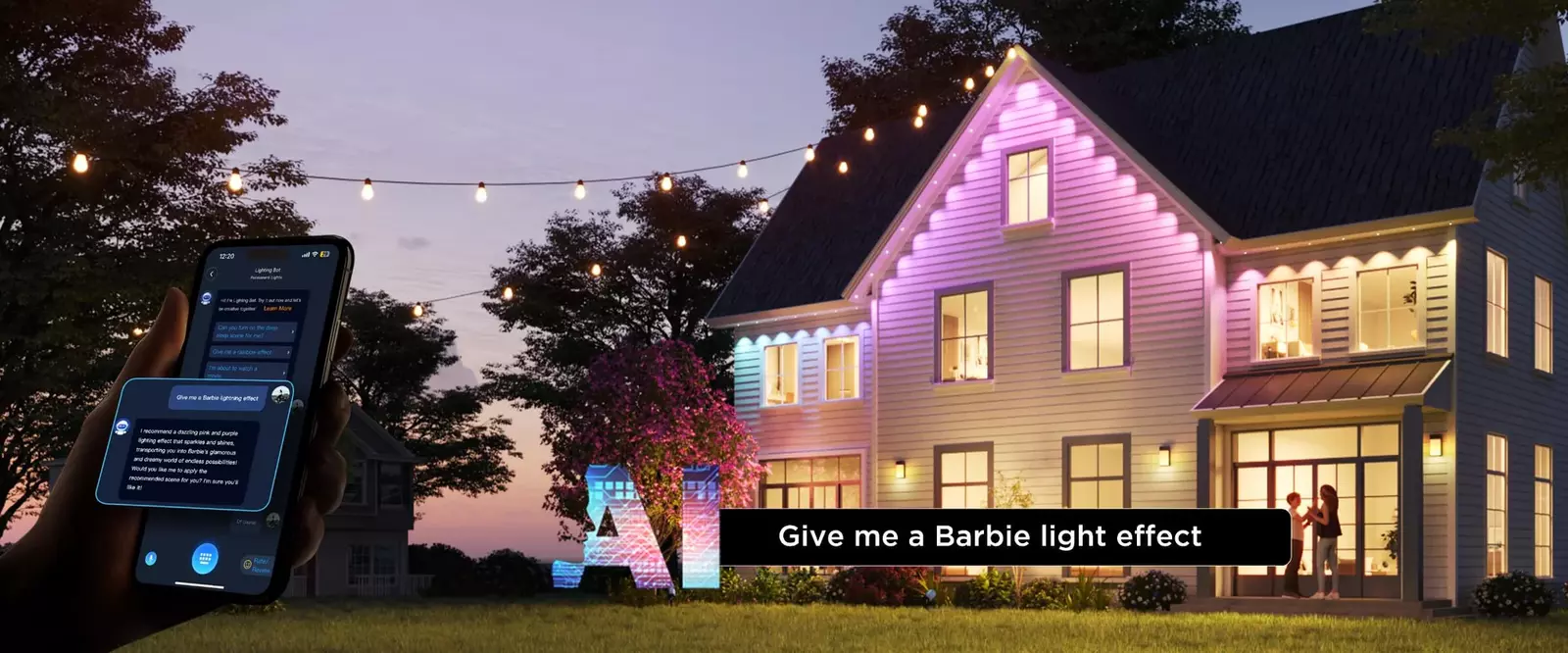
AI Light Show:
Apart from preset 100 Scene modes and DIY lighting, the AI-generated lighting effects personalize your ambiance with a single command on any festivals and sports events.
Durable and Reliable:
Thanks to anti-UV materials and a lightweight waterproof body, control box, and power adapter, these permanent Christmas lights work reliably in bad weather, from summer heat to winter cold.
Easy Installation:
Simply use the provided VHB glue and clips for a hassle-free experience.
Note: These permanent outdoor lights 2 are not cuttable. Supports a maximum of 9 light sections & 4 extension cables.
Smart Home Integration:
Connect and control from anywhere with Govee Home App, Alexa, and Google Assistant for versatile lighting.
One-tap to create a light show with music mode or DreamView.
High Waterproof Rating:
IP67-outdoor lights & IP65-rated power adapter and rated control box.
Durable & Long Lasting:
The anti-UV material, IP67 waterproof rating, and the ability to withstand temperatures from -20°C to 60°C make these lights resilient against the elements, lasting up to 50,000 hours.
Easy DIY Installation:
The installation process is a breeze with the provided VHB glue and clips, allowing you to set up each light in only 8 seconds.
Matter Support Right Out of The Box:
Matter is a cutting-edge smart home connectivity standard that ensures seamless interaction between IoT devices across different brands.
Designed by industry leaders like Apple, Google, and Amazon, Matter enables devices to communicate effortlessly using secure and reliable technologies like Wi-Fi and Thread.
Its key features include easy setup, enhanced security, and full interoperability, meaning no more compatibility issues across your smart home devices.
With Matter, you can control everything from lights to thermostats and security systems in one unified ecosystem.
Upgrade your smart home with Matter-compatible devices for a smoother, more reliable experience.
Designed by industry leaders like Apple, Google, and Amazon, Matter enables devices to communicate effortlessly using secure and reliable technologies like Wi-Fi and Thread.
Its key features include easy setup, enhanced security, and full interoperability, meaning no more compatibility issues across your smart home devices.
With Matter, you can control everything from lights to thermostats and security systems in one unified ecosystem.
Upgrade your smart home with Matter-compatible devices for a smoother, more reliable experience.
SPECIFICATIONS:
Model: H705E
Product Title: Govee Permanent Outdoor Lights 2 - 30M
Colours: RGBIC
Length: 30 Meters
Control Methods: APP, Voice Control
Voice Control: Google Assistant & Alexa
Waterproof: Light Stripe IP67, Control Box & Adapter IP65
Power Input (Light) Voltage: 36V DC 2A
Wattage (Light): 36W
Power Input (Adapter): 100-240VAC 50/60HZ
Lumens: 50 Lumen
App Connectivity: 2.4GHz Wi-Fi Bluetooth
Special Features: Energy Efficient, Dimmable, Waterproof, Color Changing, Water Resistant
Working Temperature: -20 to 60℃
Color Temperature: 4000K
WHAT'S IN THE BOX:
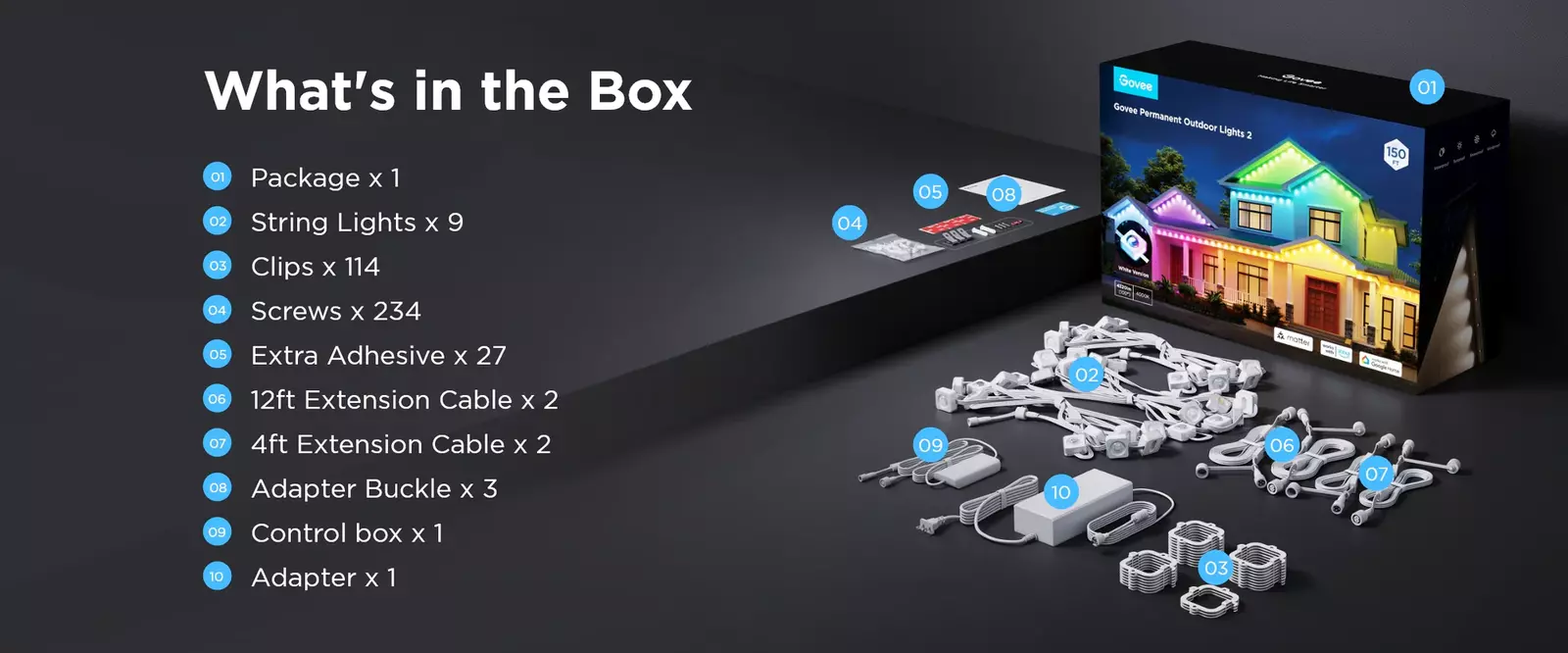
6x Govee Permanent Outdoor Lights string (5m each) totalling 30m
1x EU Power Adapter
1x User Manual
1x Quick Start Guide
SUPPORT VIDEO:
ABOUT GOVEE:
Govee is a global leading smart home brand with 12M App registered users since 2017, pursuing personalized and fun life experiences through continuous innovations, especially in ambient lighting, home appliance products, and smart IoT systems.
We design it. We produce it. We make life smarter.
Ratings And Reviews